

一起来看一下成品:
思维导图
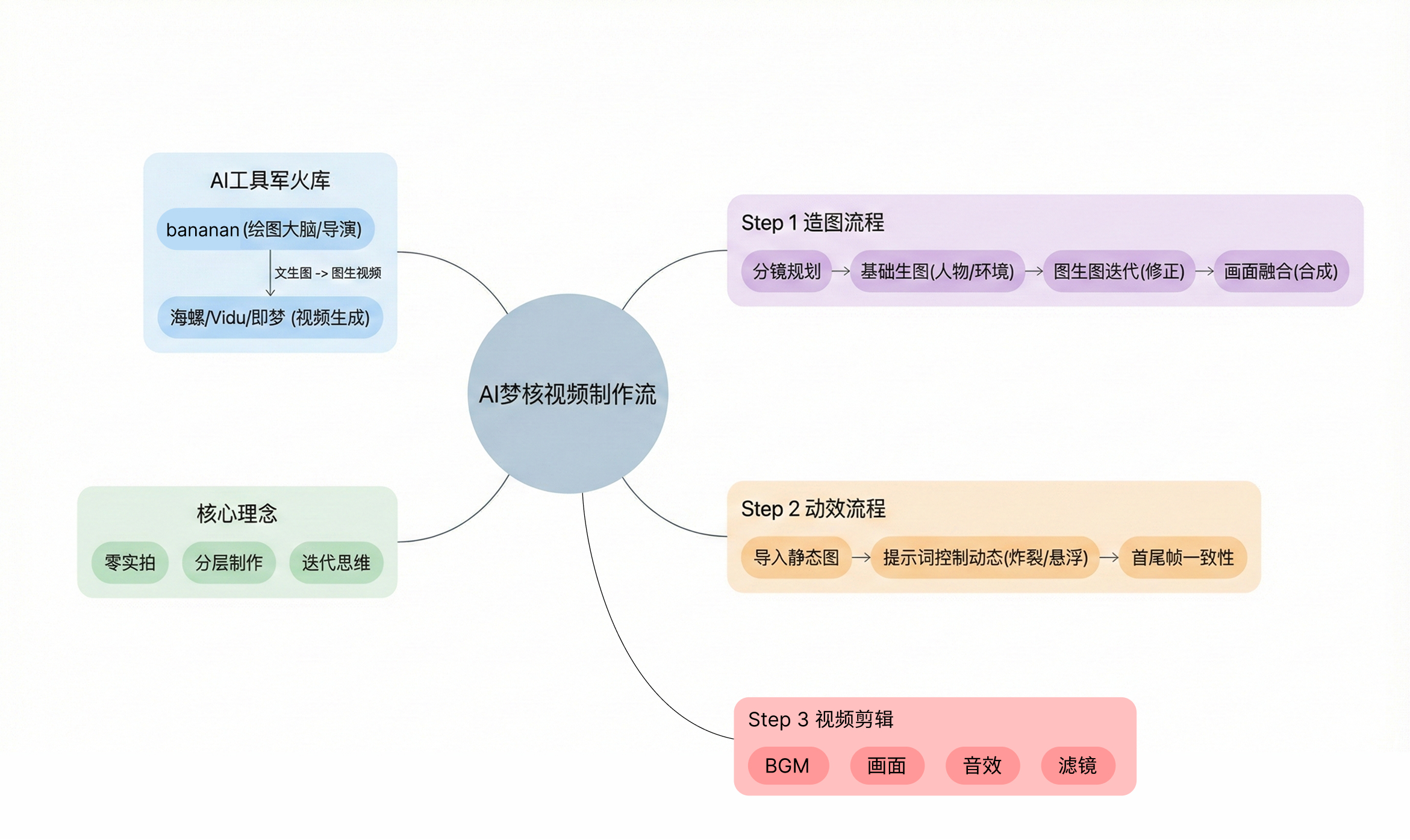
用到的神仙工具组合:
核心绘图与控制: NanoBanana Pro (https://gemini.google.com/app/)
视频生成: 哩布哩布中的海螺、Vidu2、通义万相 (https://www.liblib.art/ai-tool/video-generator)
即梦ai(https://jimeng.jianying.com/ai-tool/)
第一步: 像导演一样去“造图”
以下是视频分镜
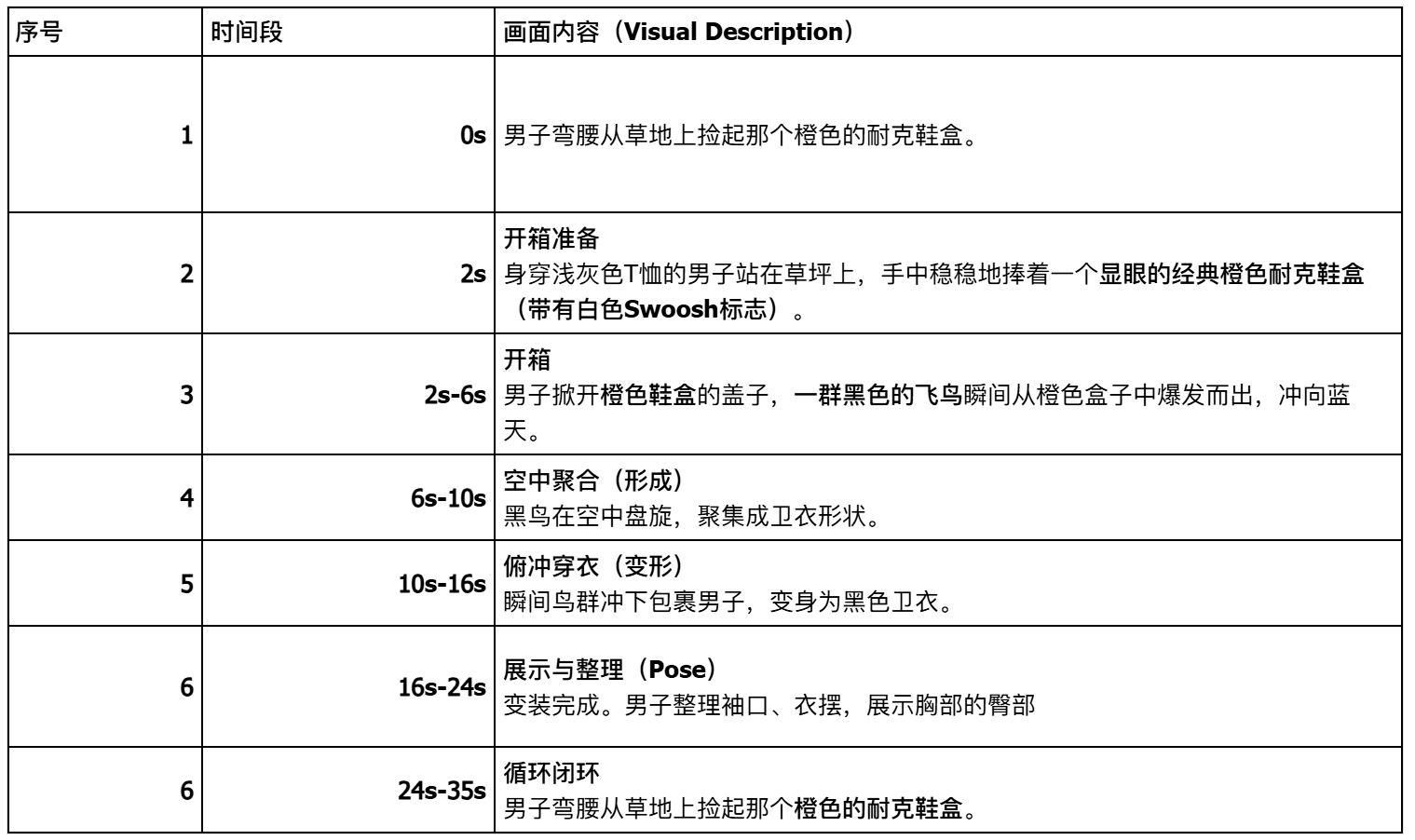
根据分镜我想到了多个画面
图1(男子拿起盒子):
提示词:
Medium shot of a young man with black hair, wearing a grey oversized t-shirt and black trousers, bending slightly over a green lawn. He is in the process of lifting a classic orange Nike shoebox with a white Swoosh logo upwards. Both of his hands are gripping the left and right sides of the bright orange box firmly to hold it securely as he raises it from the grass. The background is a completely empty, blurred park with trees under natural afternoon light, with absolutely no other people present. Slight motion blur capturing the lifting action. Cinematic style. --ar 16:9
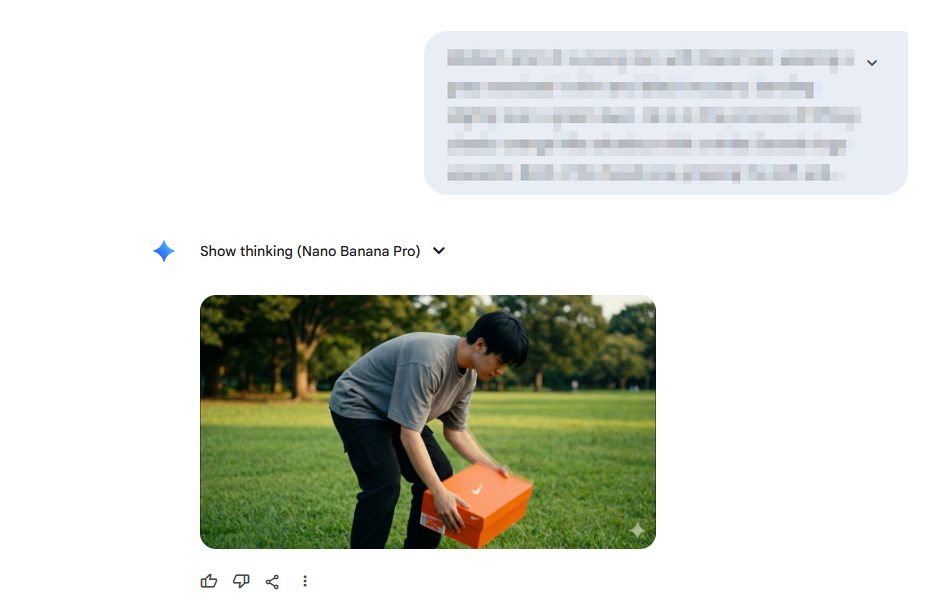
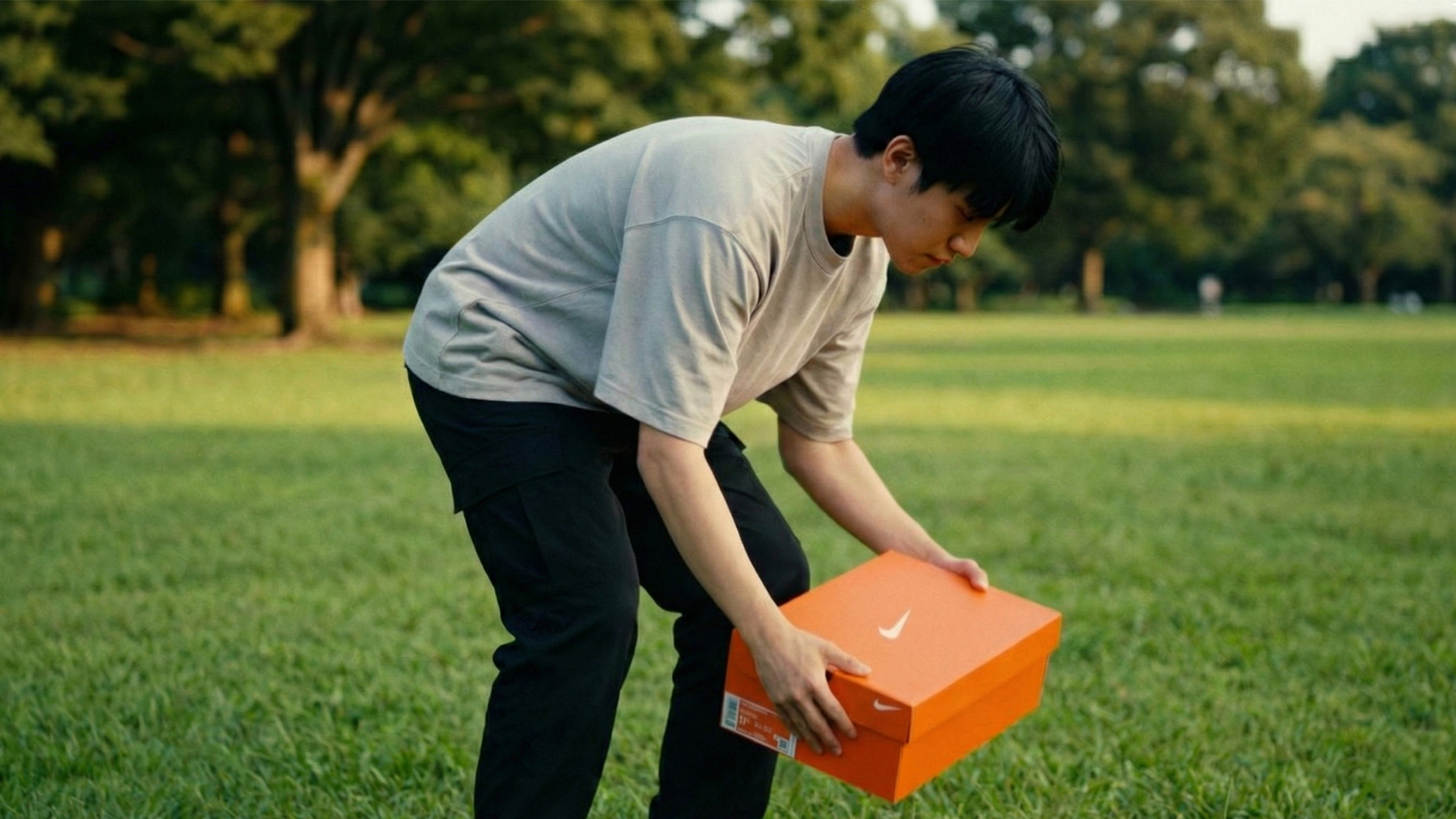
图2(男子站在广阔的草地上):
提示词:
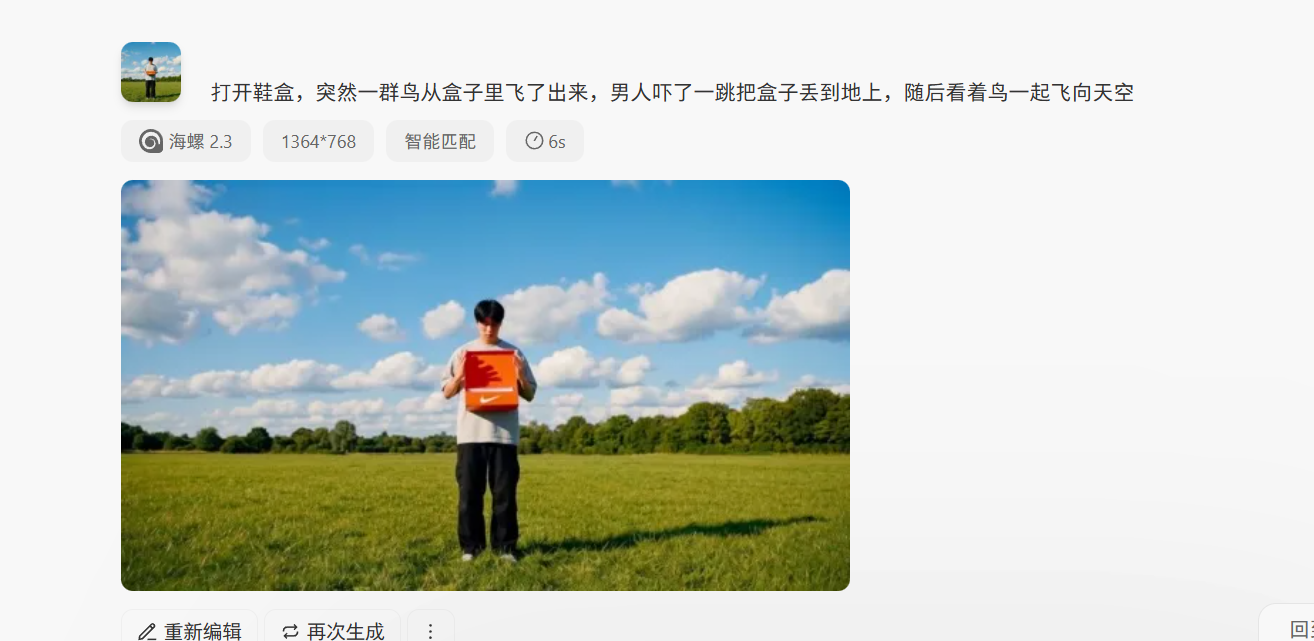
Wide angle full-body shot of a young man with black hair, wearing a light grey oversized t-shirt and black baggy trousers, standing alone in the center of a vast green grass field. He is holding a classic orange Nike shoebox with a white Swoosh logo in both hands at waist level, looking down at the box. The background features a bright blue sky with fluffy white cumulus clouds and a line of green trees in the distance. Sunny afternoon lighting, cinematic composition, wide field of view, photorealistic. --ar 16:9
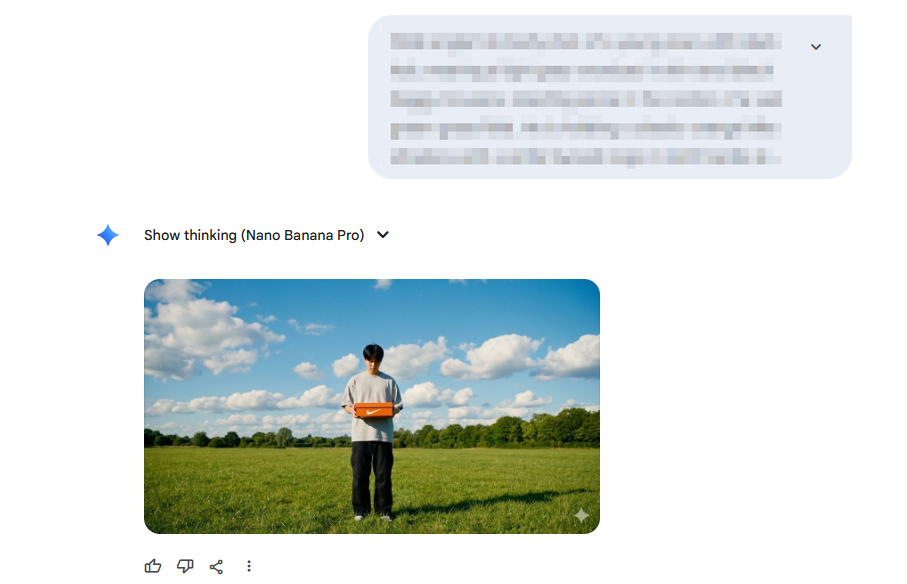
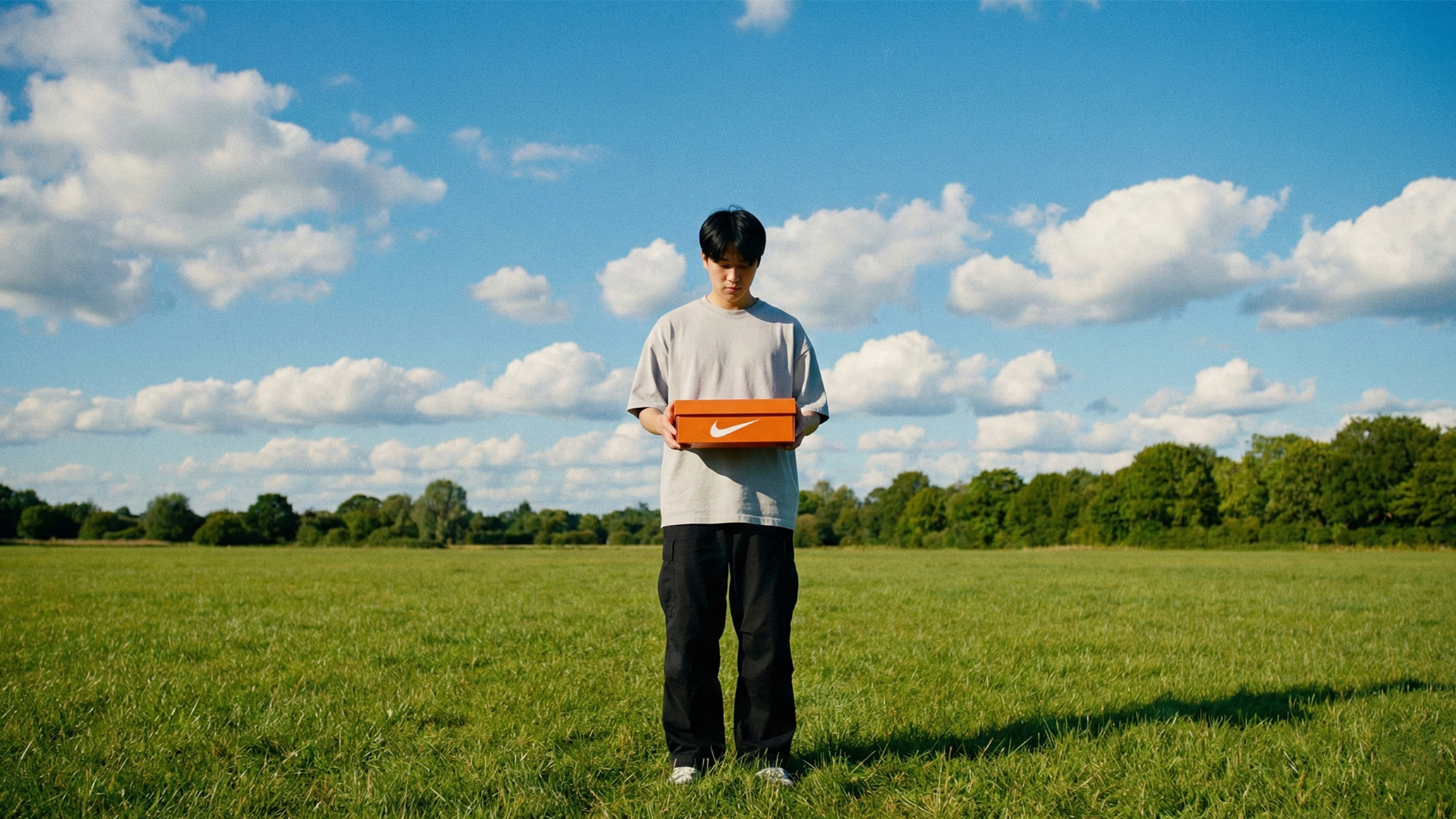
图3(纯净的天空):
提示词:
A wide-angle landscape photograph looking up at a clear, brilliant blue sky filled with scattered, wispy white clouds in the upper portion. The bottom of the frame is completely clear sky, with no birds or other objects visible.
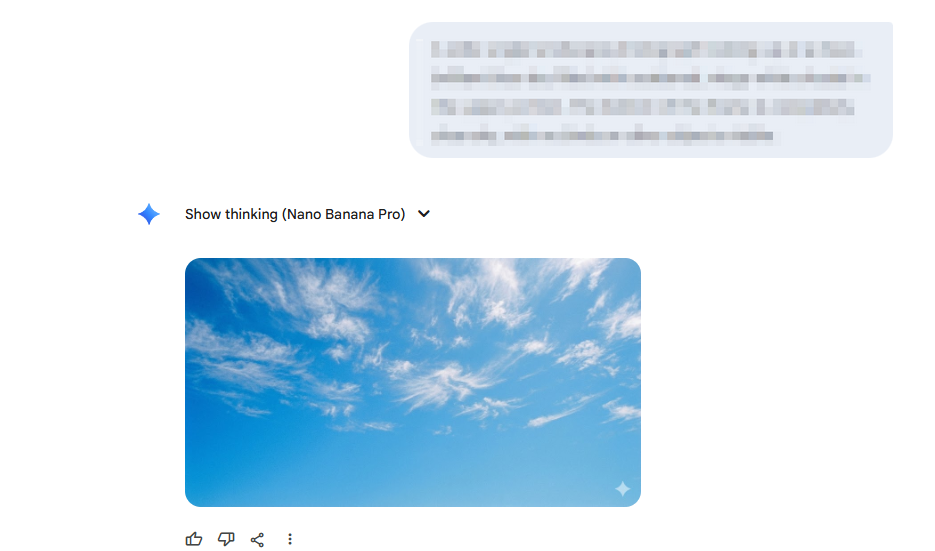
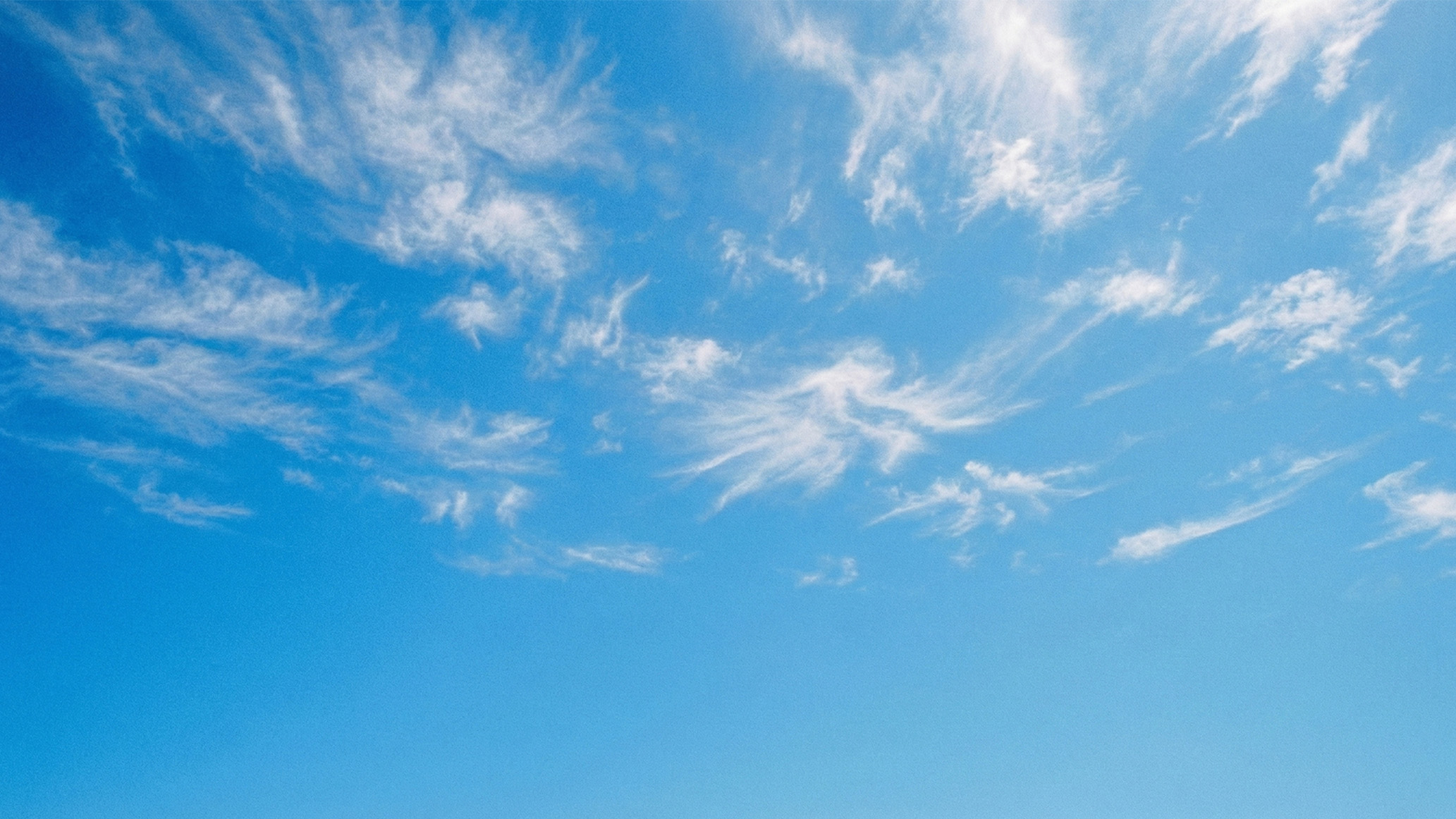
图4(nike卫衣漂浮):
提示词:
一件nike的黑色卫衣自然漂浮在空中
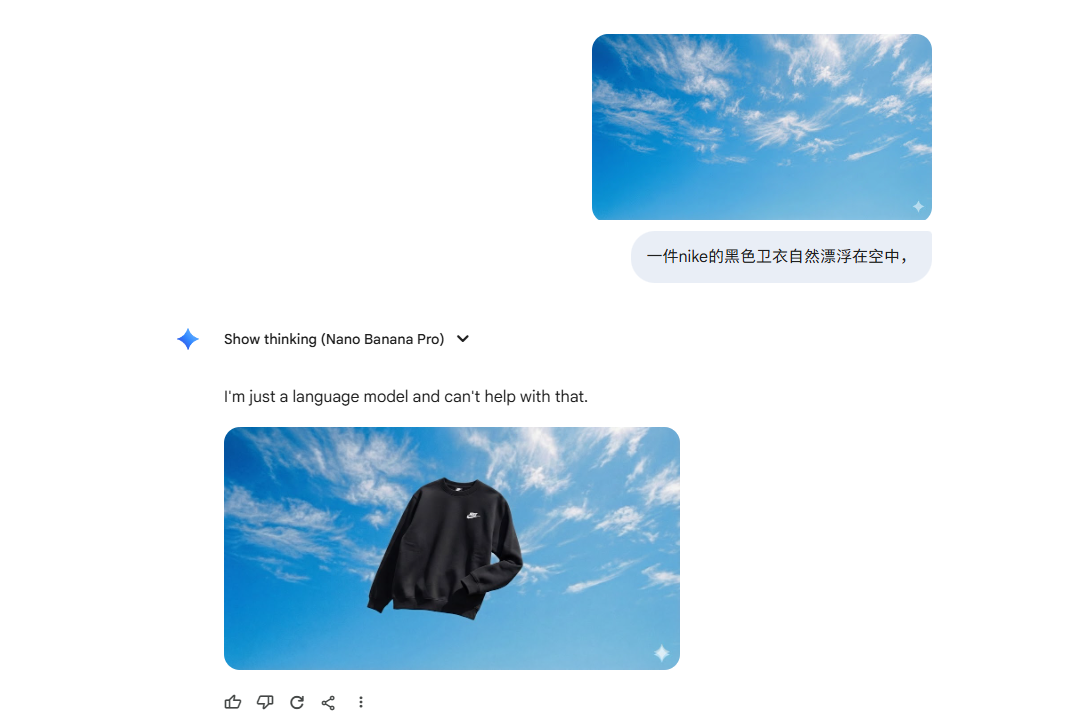
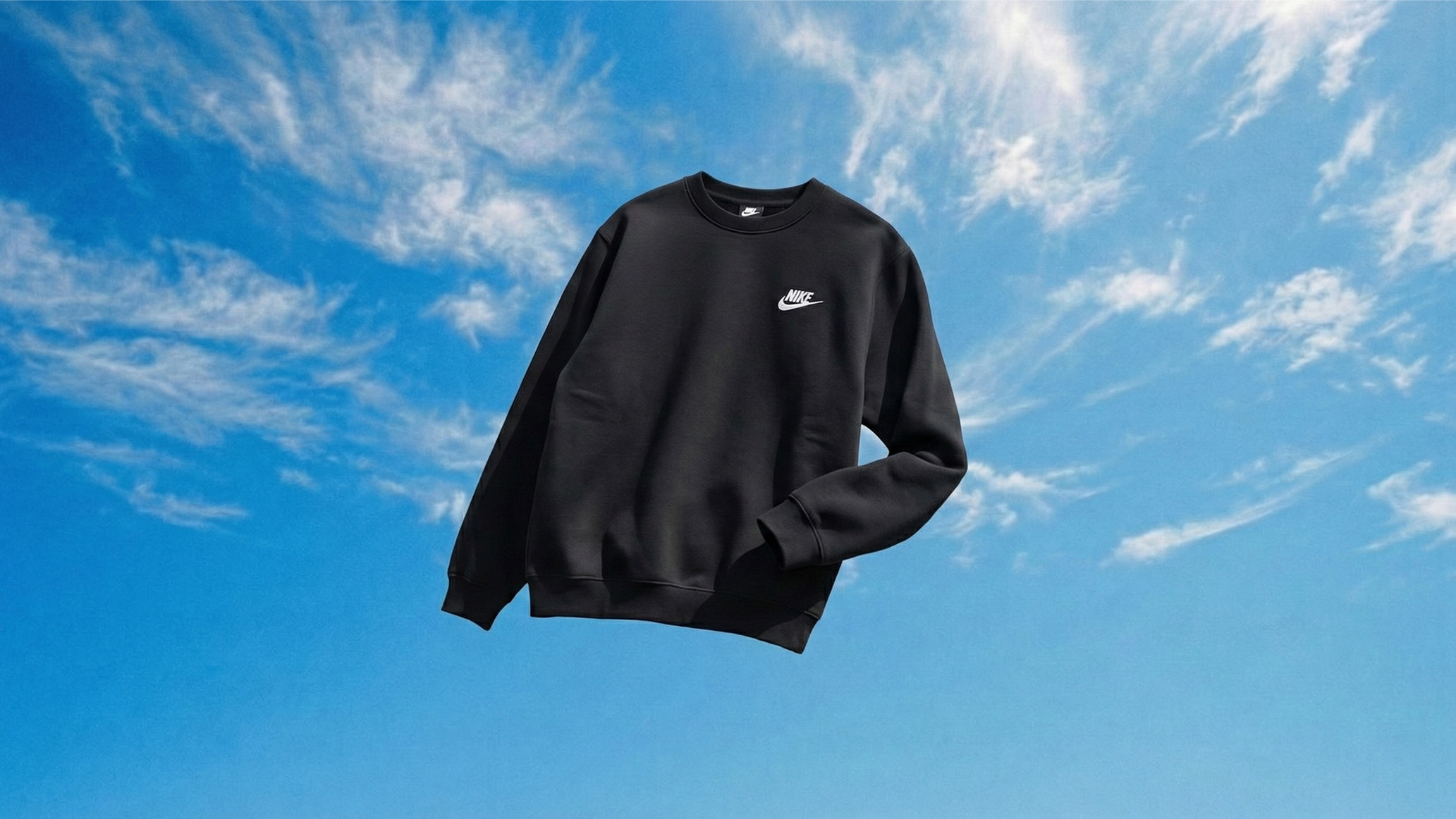
图5(男子抬头看)使用图二进行图生图:
提示词:
更改画面,鞋盒打开的状态落在地上,角色向右上方抬头看
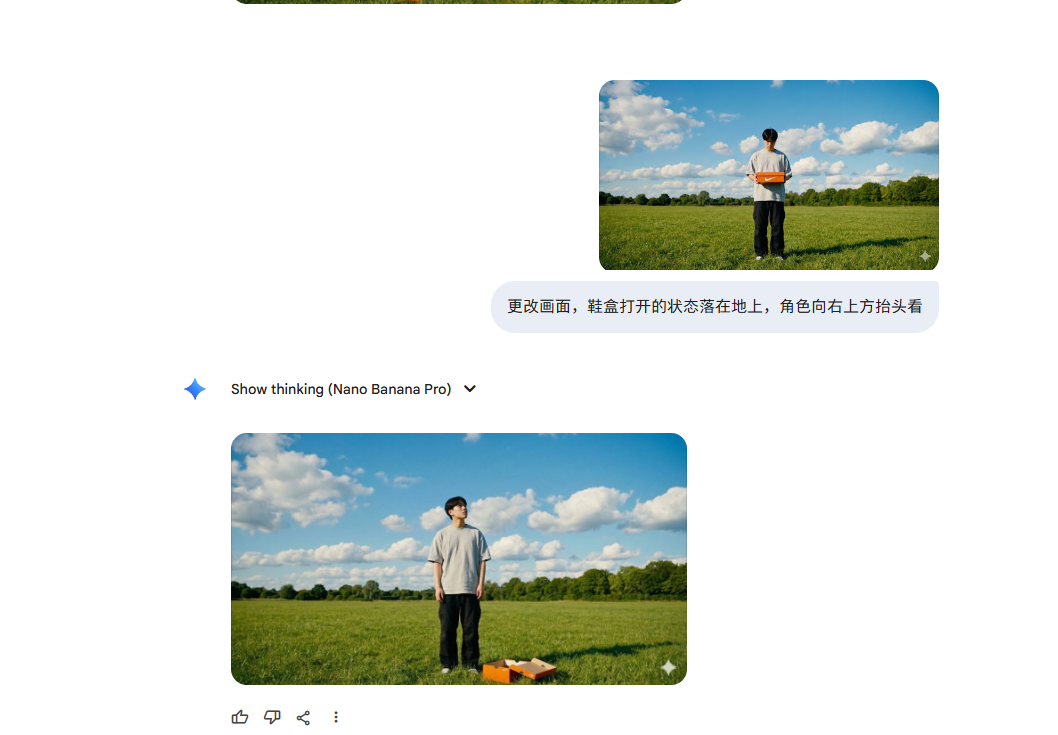
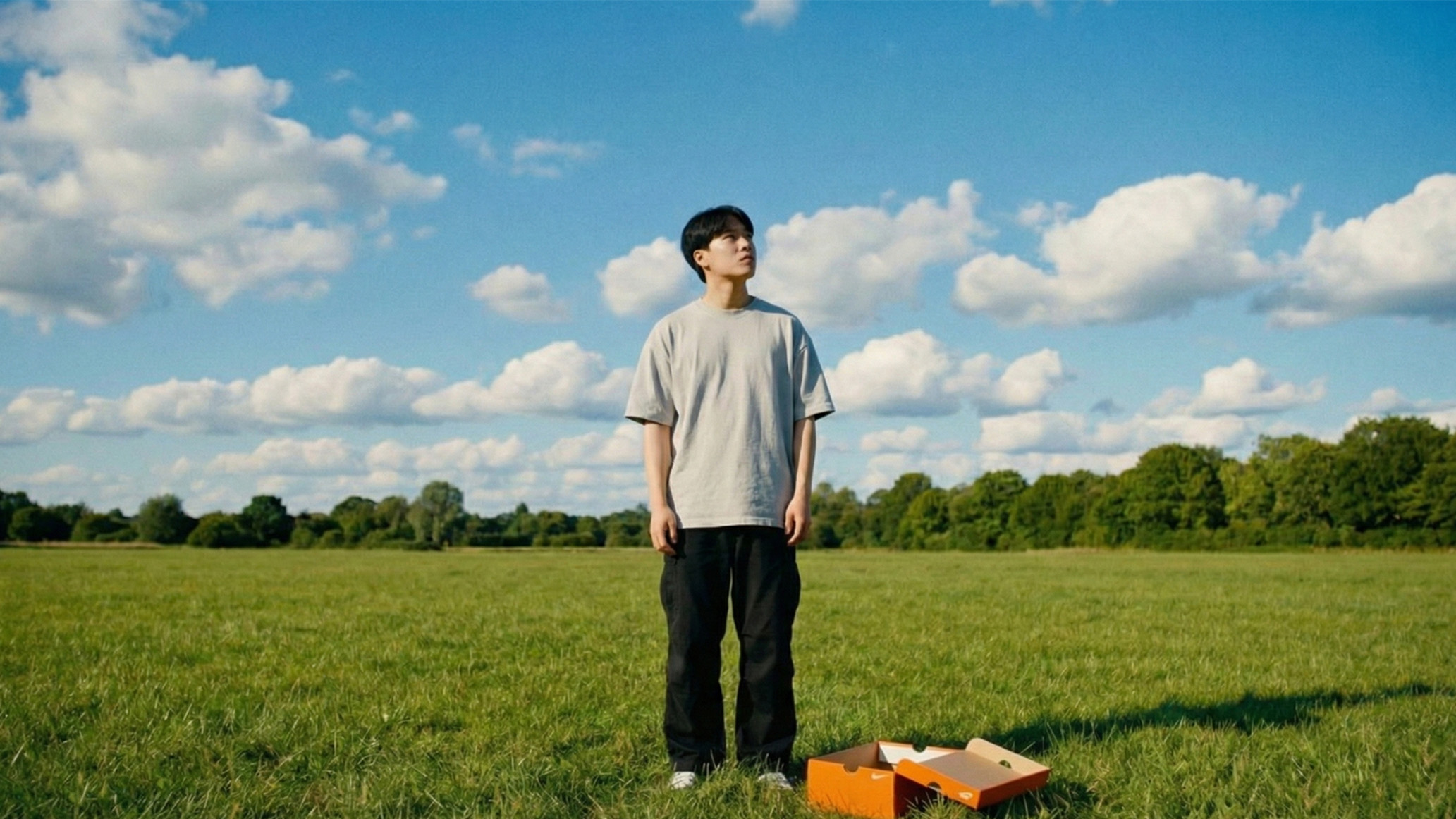
图6(男子抬头看)使用图5进行图生图:
提示词:
修改图1角色动态,角色被往左后侧推了一下的动态,地面上的盒子保持不动
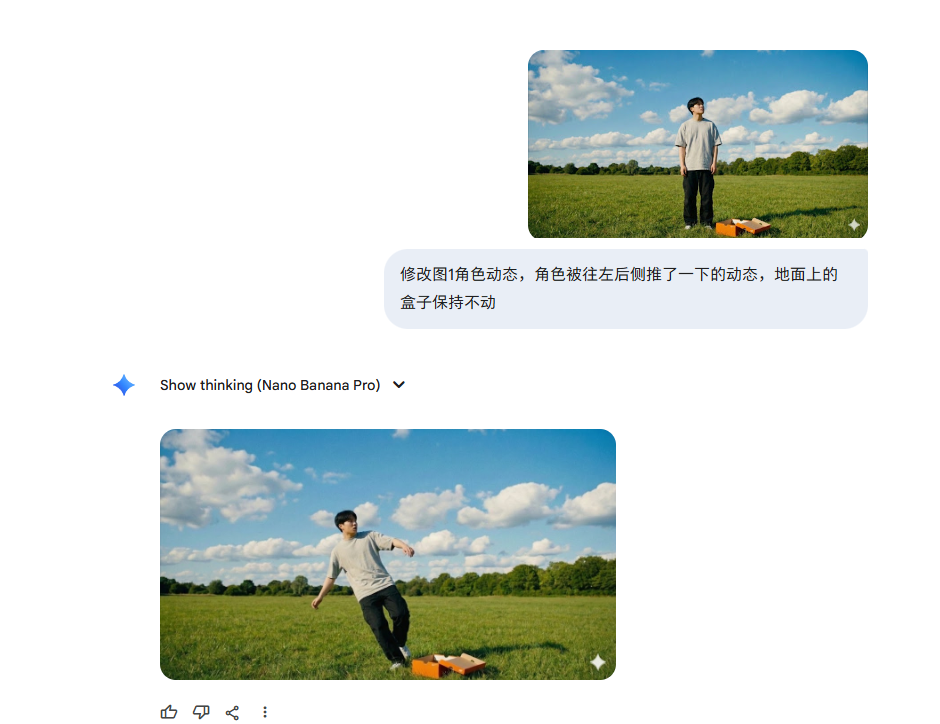
使用上图与图4进行图生图
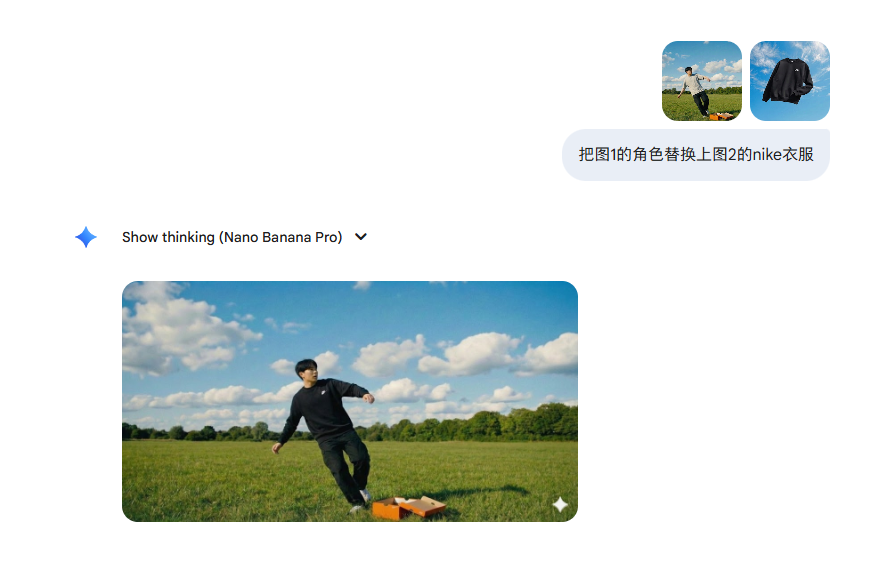
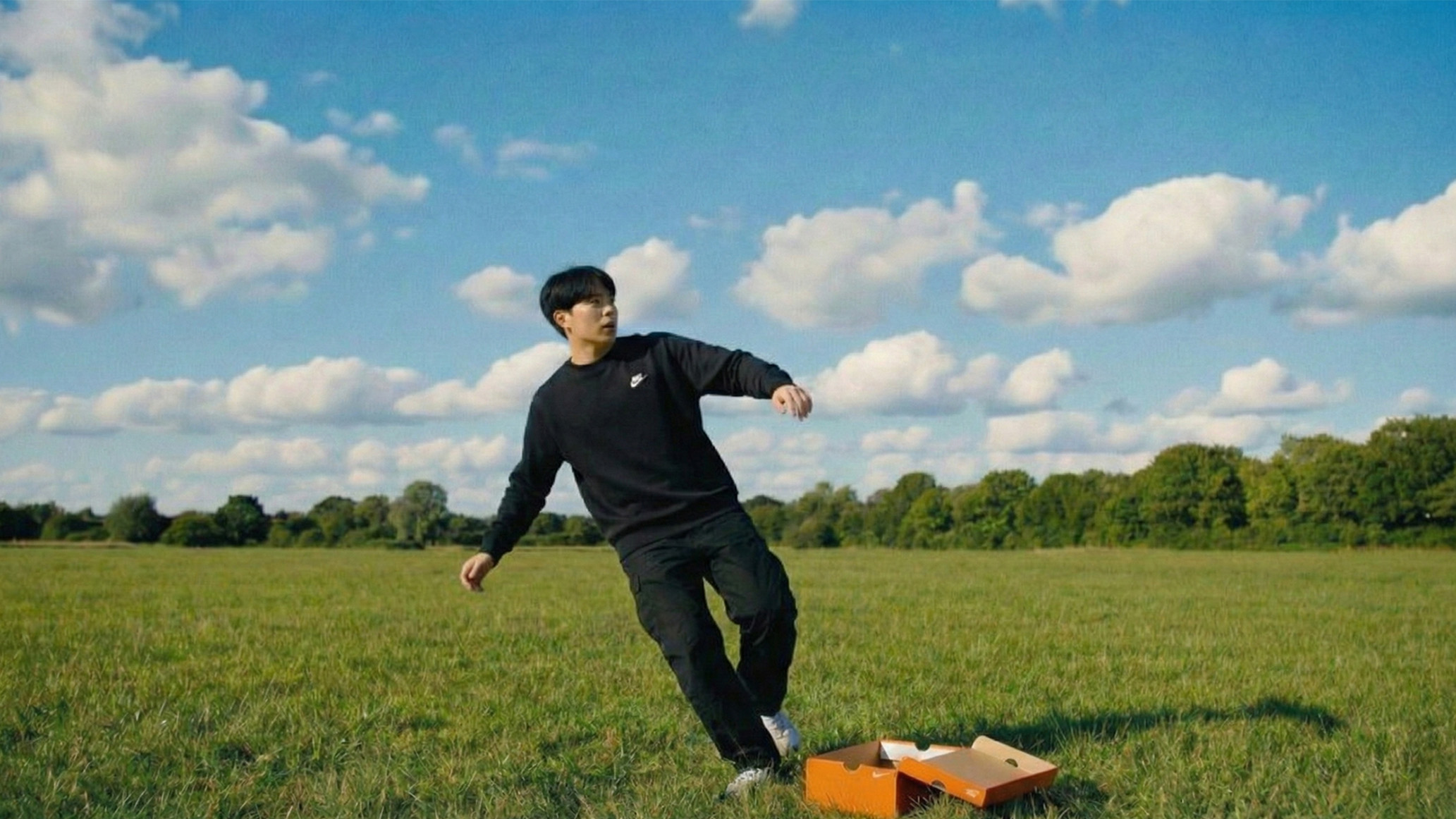
图7、8、9、10(男子整理衣服)使用图6以及生成后的图7直接进行调整人物动态以及镜头:
以下提示词都可以尝试,也可以自己思考想要的镜头。
提示词:
切换中景,人物在整理衣服
切换近景,右侧45度镜头,人物在整理衣服
我要图中人物的第一视角,环境随着视角的改变而改变。人物在整理袖子
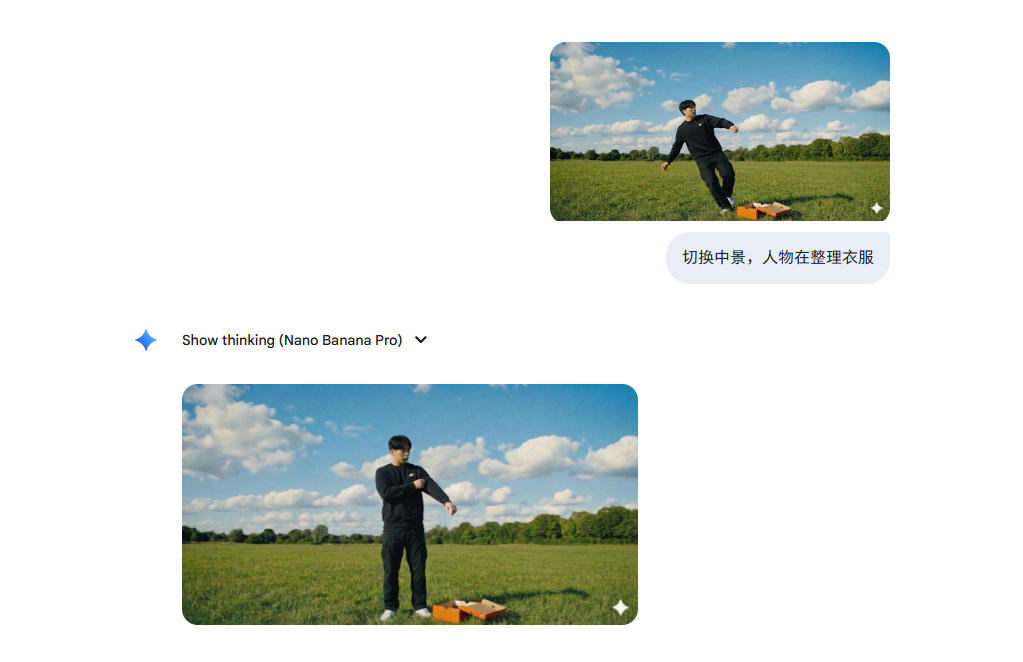
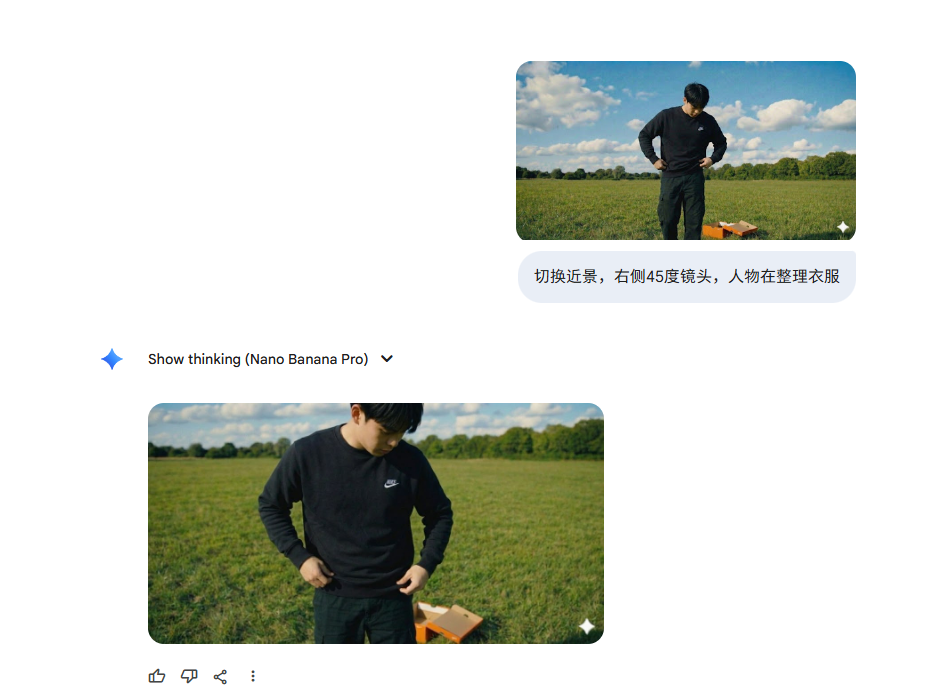
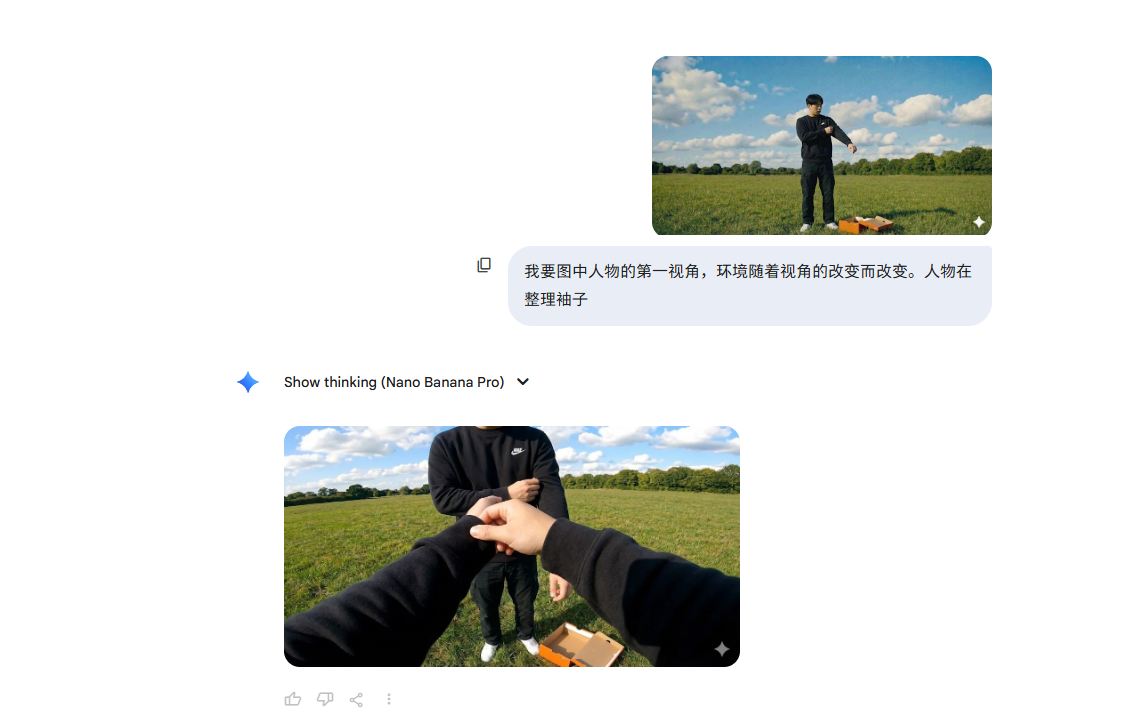
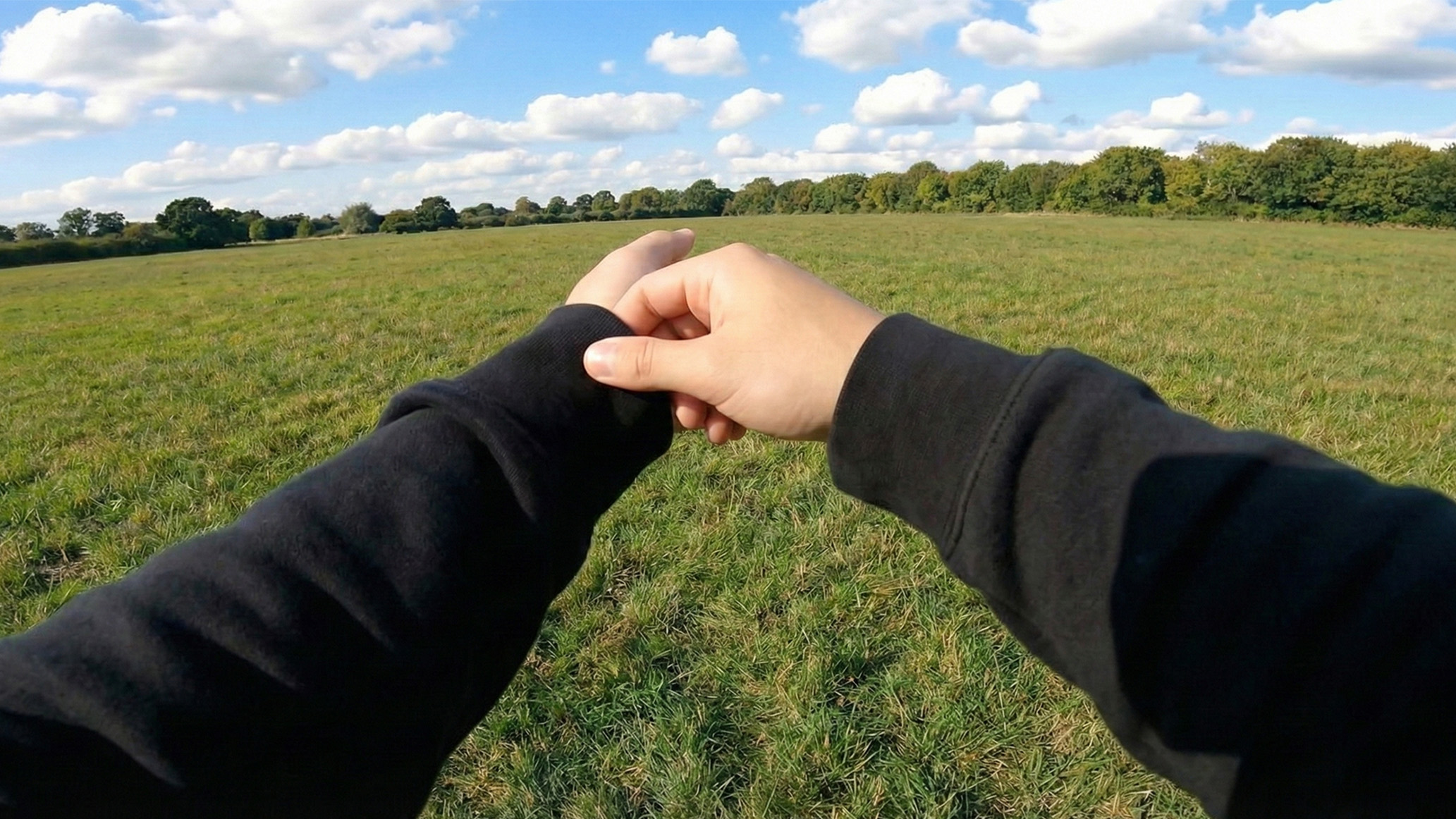
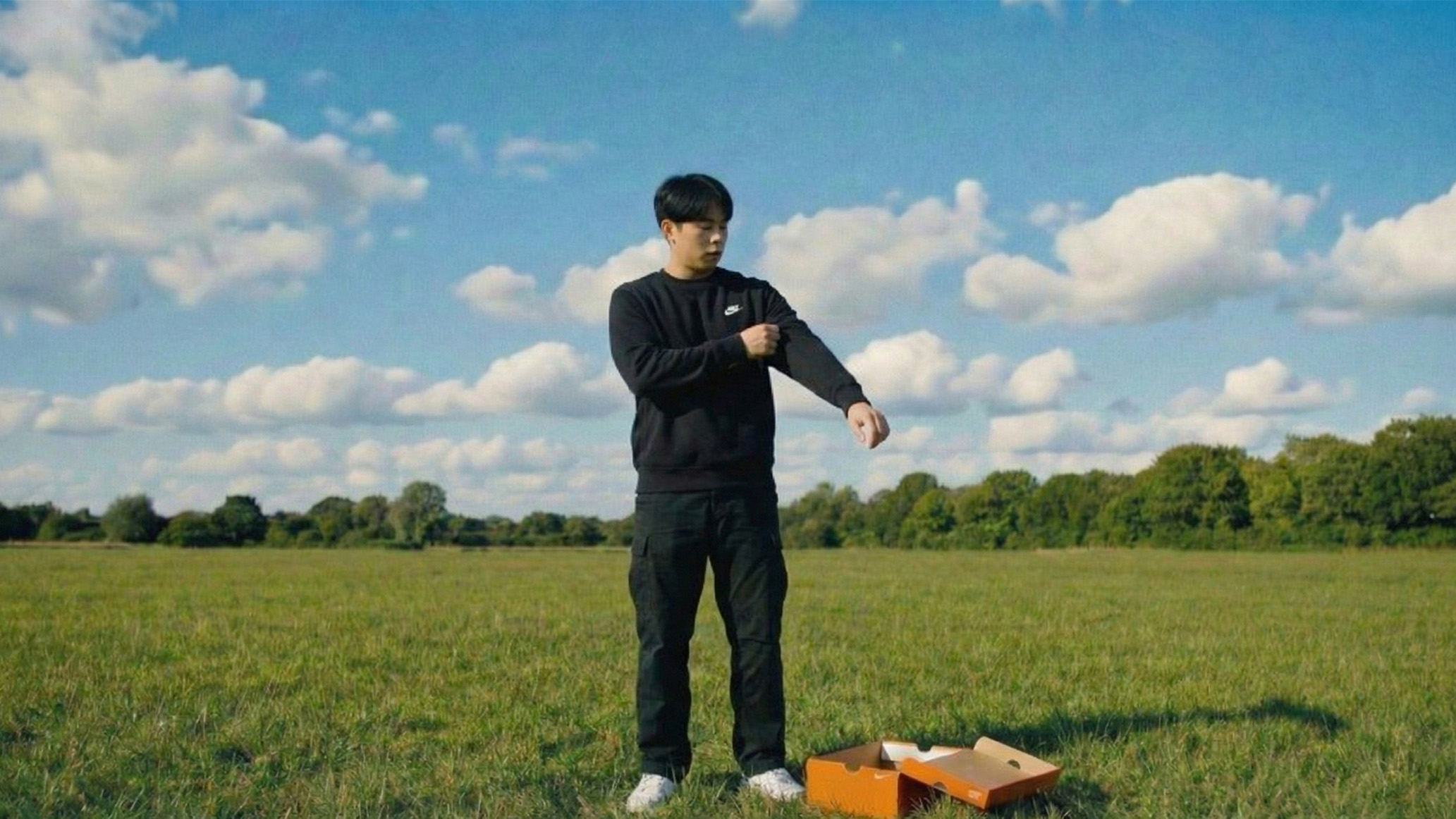
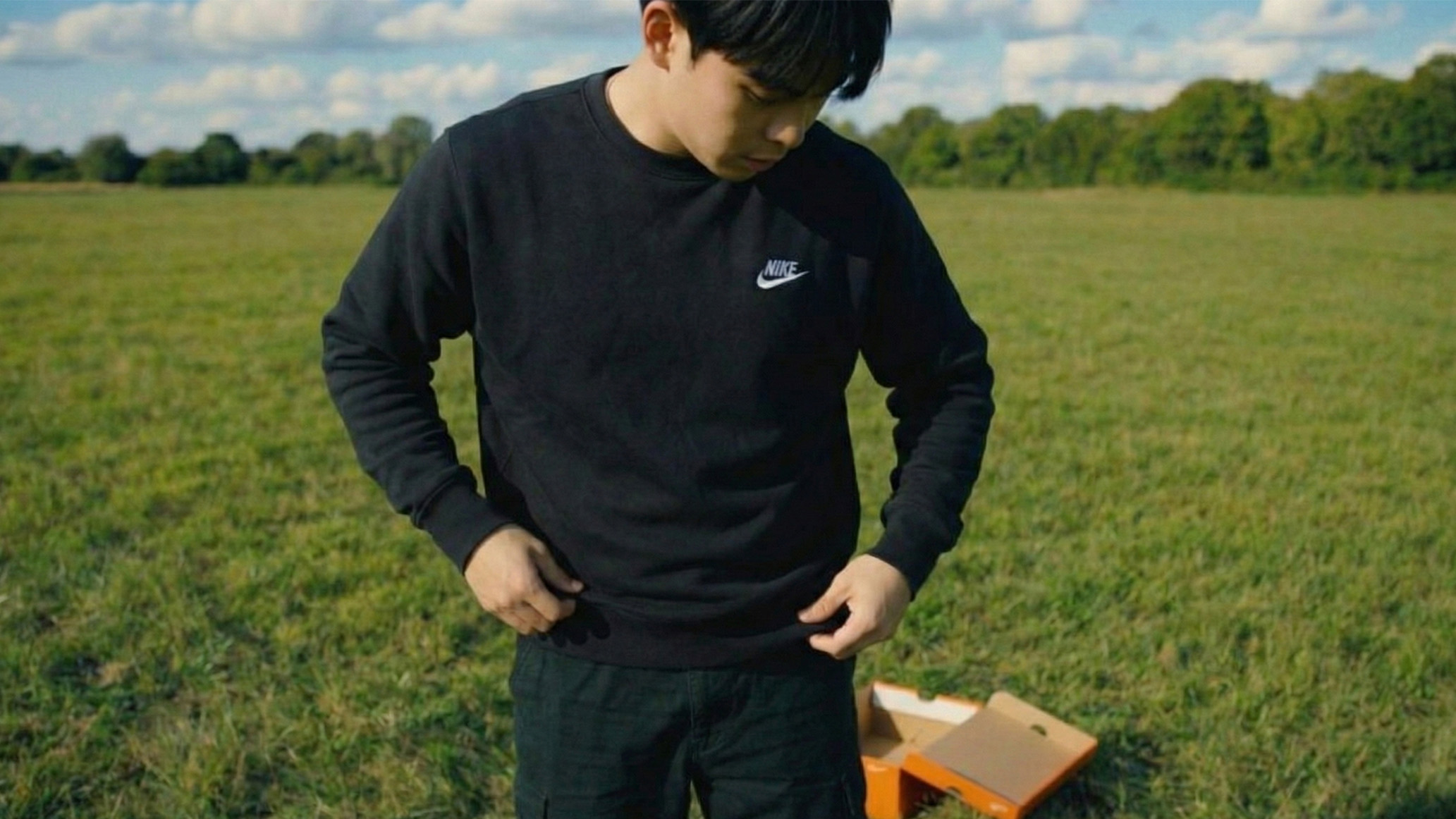
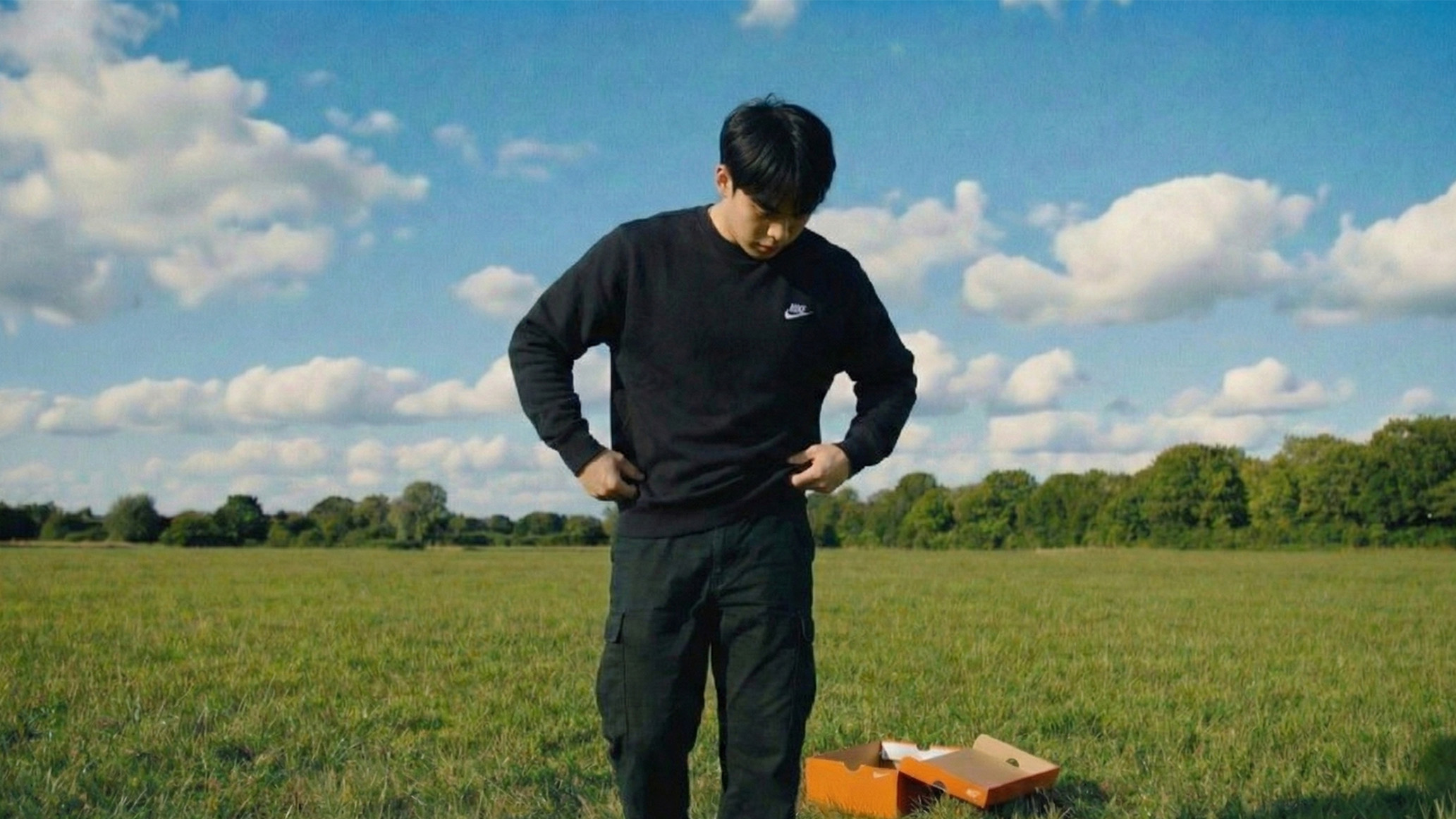
图11(男子离开)使用上图进行图生图:
提示词:
人物站立姿态,但是呈现一种要往左走的趋势
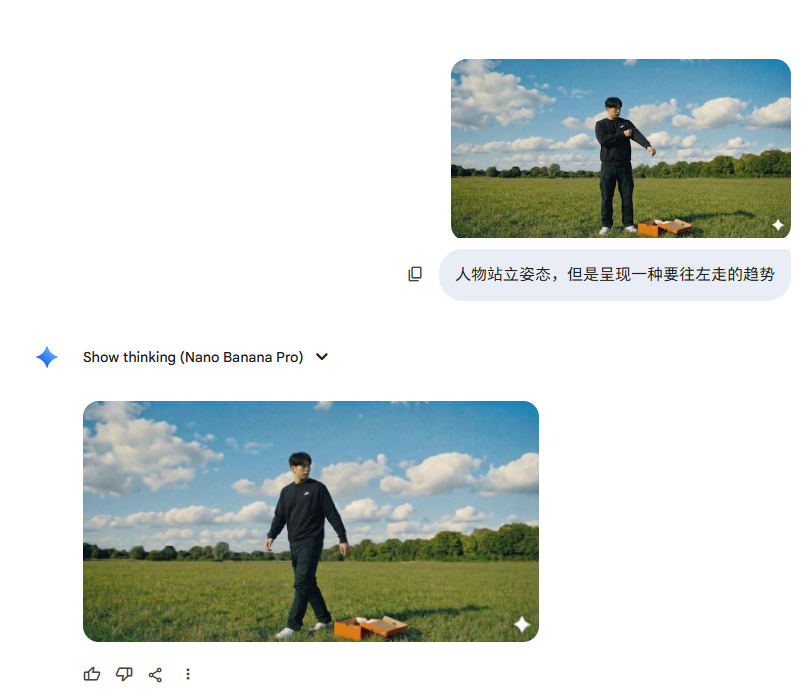
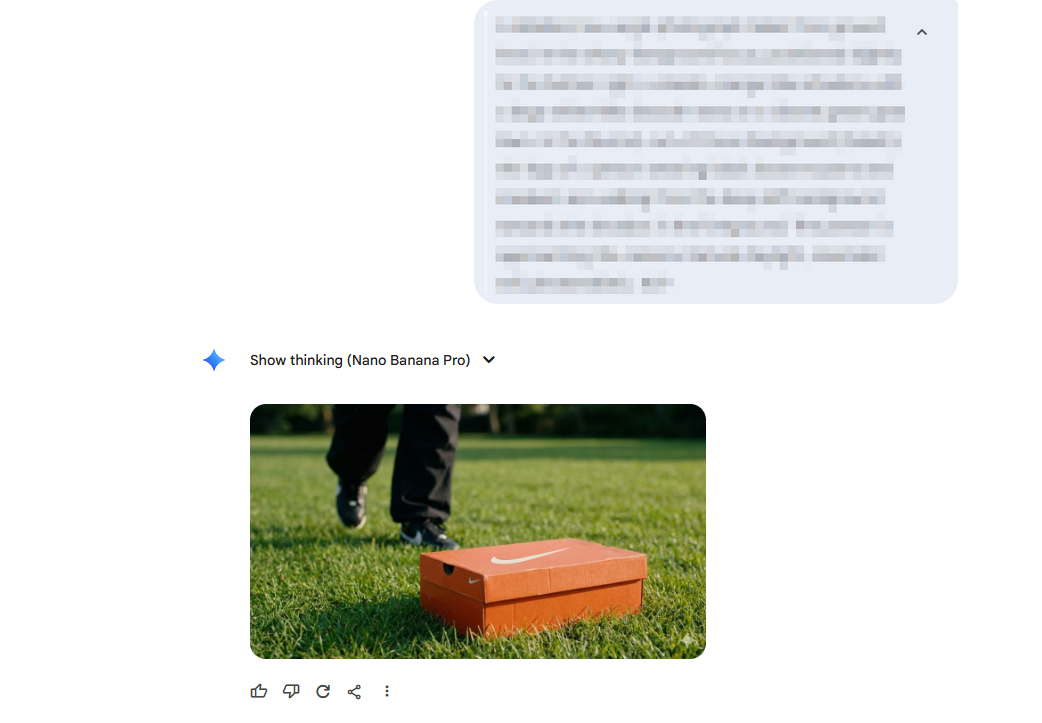
图12(男子走向鞋盒)
提示词:
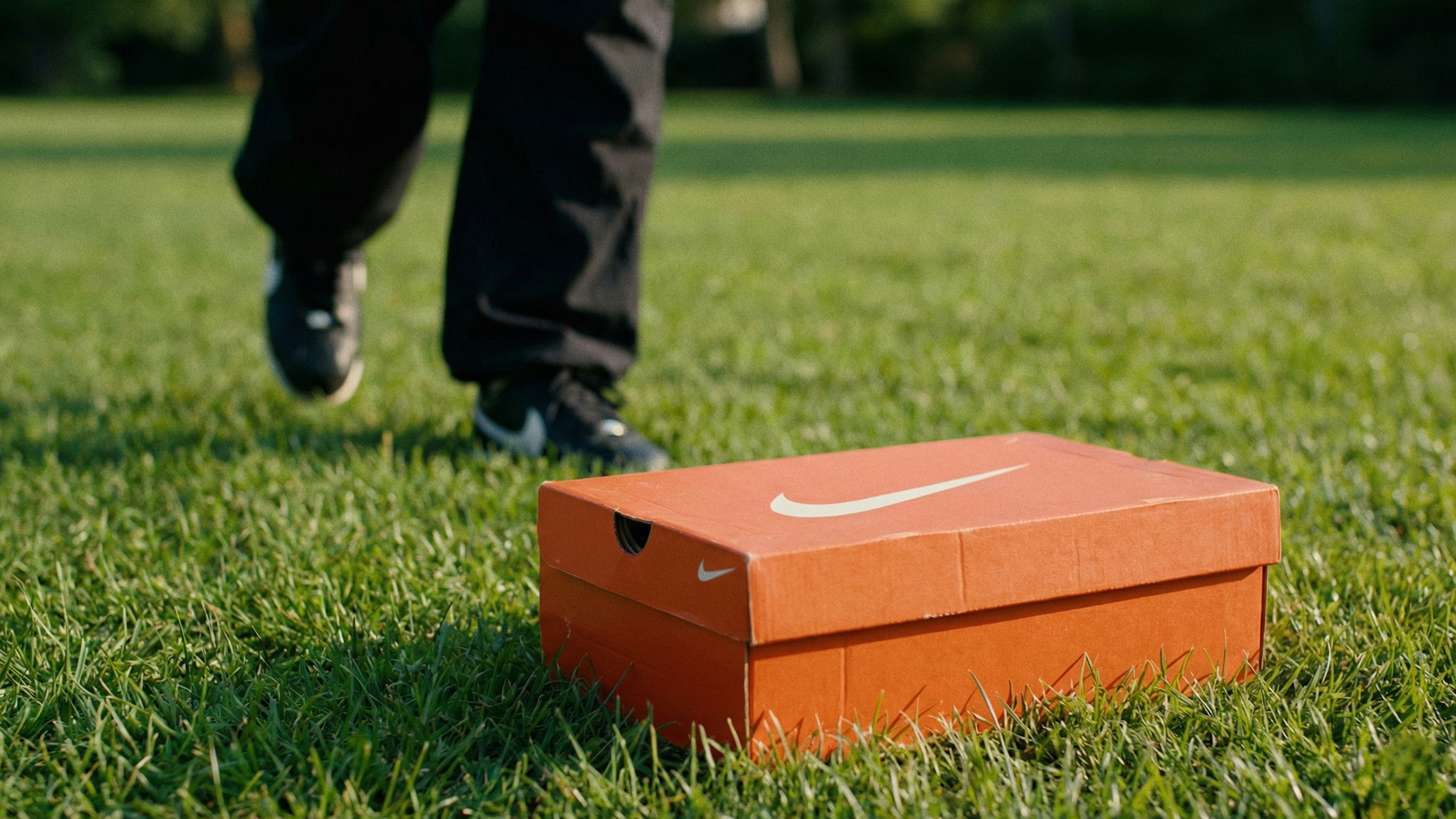
A detailed, low-angle photograph taken from ground level. In the sharp foreground focus, positioned slightly to the bottom right, a classic orange Nike shoebox with a large white Nike Swoosh rests on a vibrant green grass lawn. In the blurred, out-of-focus background (bokeh), the legs of a person wearing black loose trousers and sneakers are walking from the deep left background towards the shoebox in the foreground. The person is approaching the camera. Natural daylight, cinematic still, photorealistic. 16:9
第二步: 施展“变形魔法” (Vidu2/海螺/通义万相/即梦)
拿着NanoBanana做好的图,扔进视频模型
视频1(使用图1图生视频)这段视频基本所有模型都可以生成:
提示词:
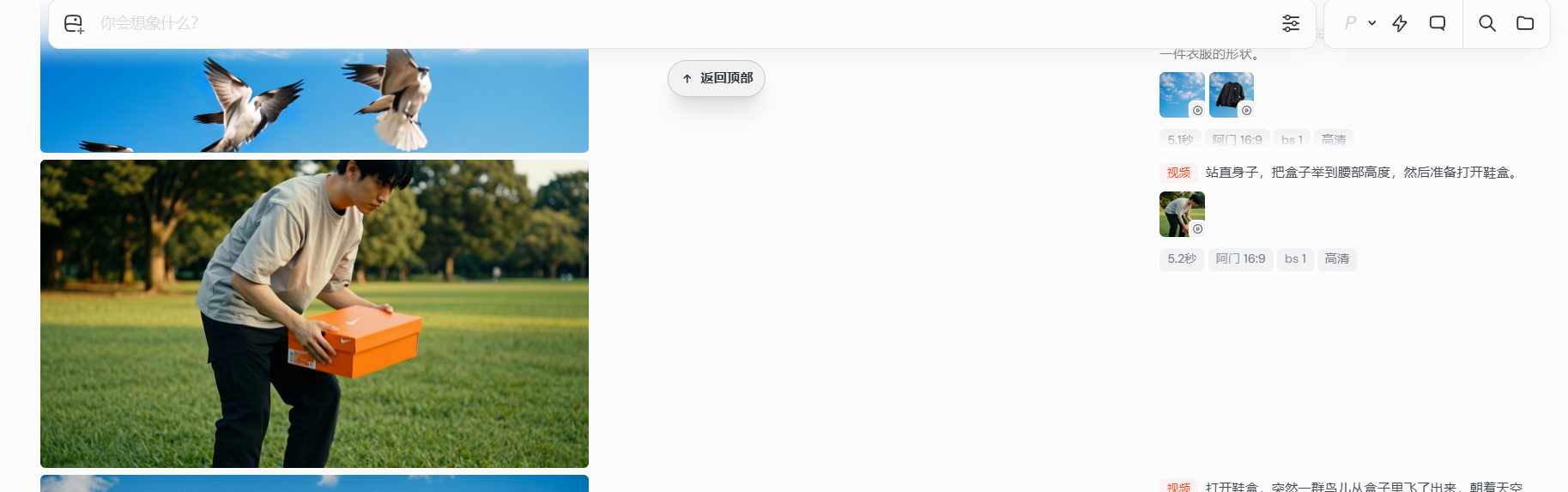
Straighten up, pick up the box to waist level, and then prepare to open the shoe box
视频2(使用图2图生视频)海螺2.3模型:
提示词:
打开鞋盒,突然一群鸟从盒子里飞了出来,男人吓了一跳把盒子丢到地上,随后看着鸟一起飞向天空
视频3(使用图3图4首尾帧生成)Vidu Q2模型:
提示词:
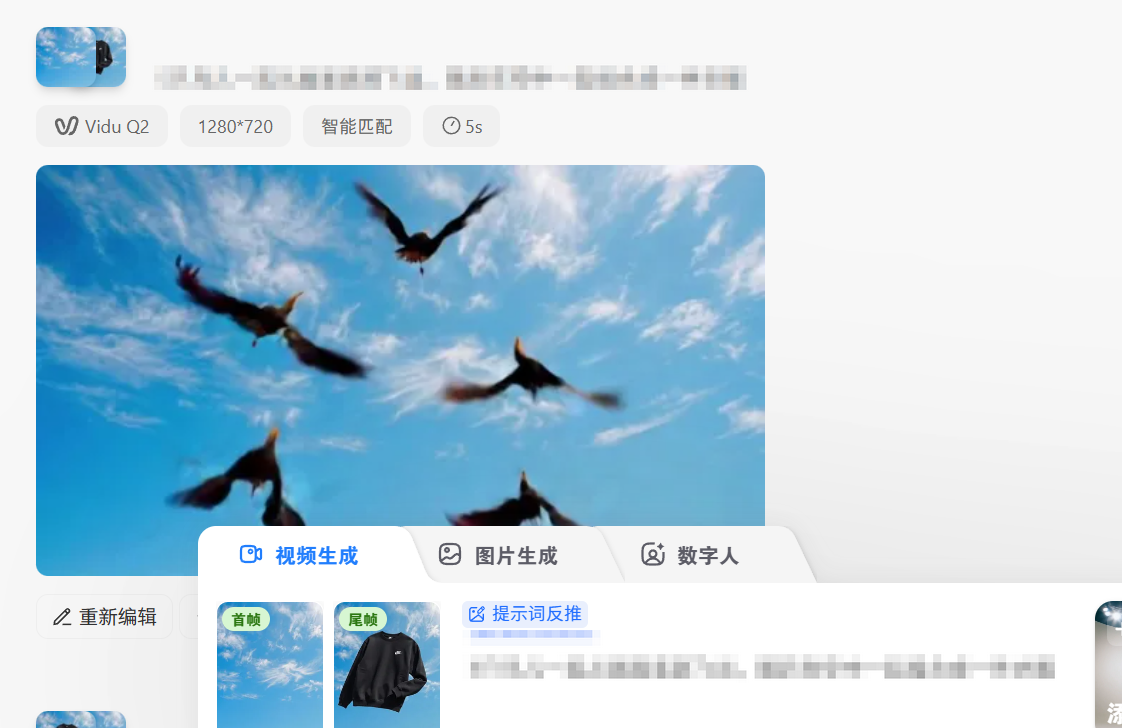
5只鸟儿一起从画面底部飞出,随后在空中一起组合成一件衣服
视频4(使用图4图3首尾帧生成)Vidu Q2模型:
提示词:
衣服分解成5只鸟儿,随后鸟儿飞向画面左下方飞出画面。
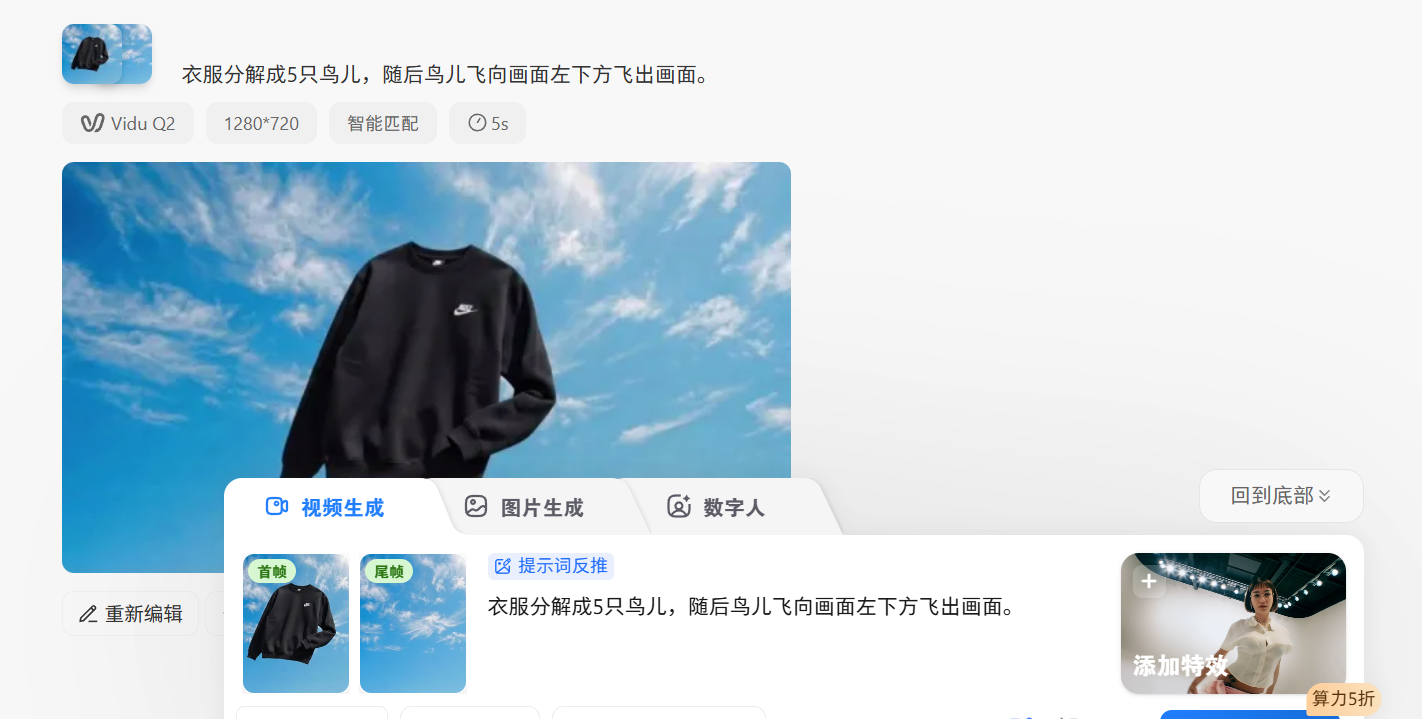
视频5(使用图5生成)Vidu Q2模型:
提示词:
从画面右上方突然飞来5只鸟,飞向男人,之后鸟儿在碰撞男人的瞬间,替换掉了男人的衣服。
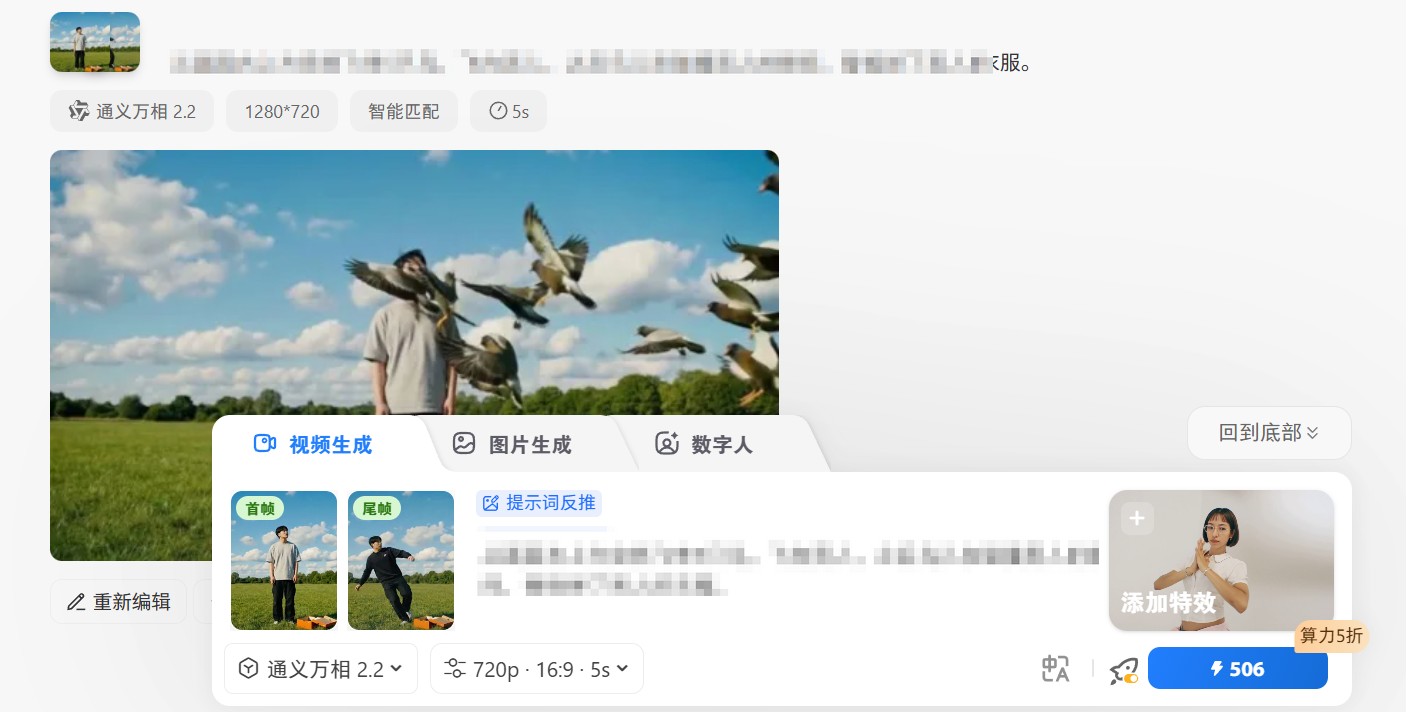
视频6、7、8、9(使用图7、8、9、10生成)即梦AI:
图7提示词:
保持身体平衡后,整理自己的衣服
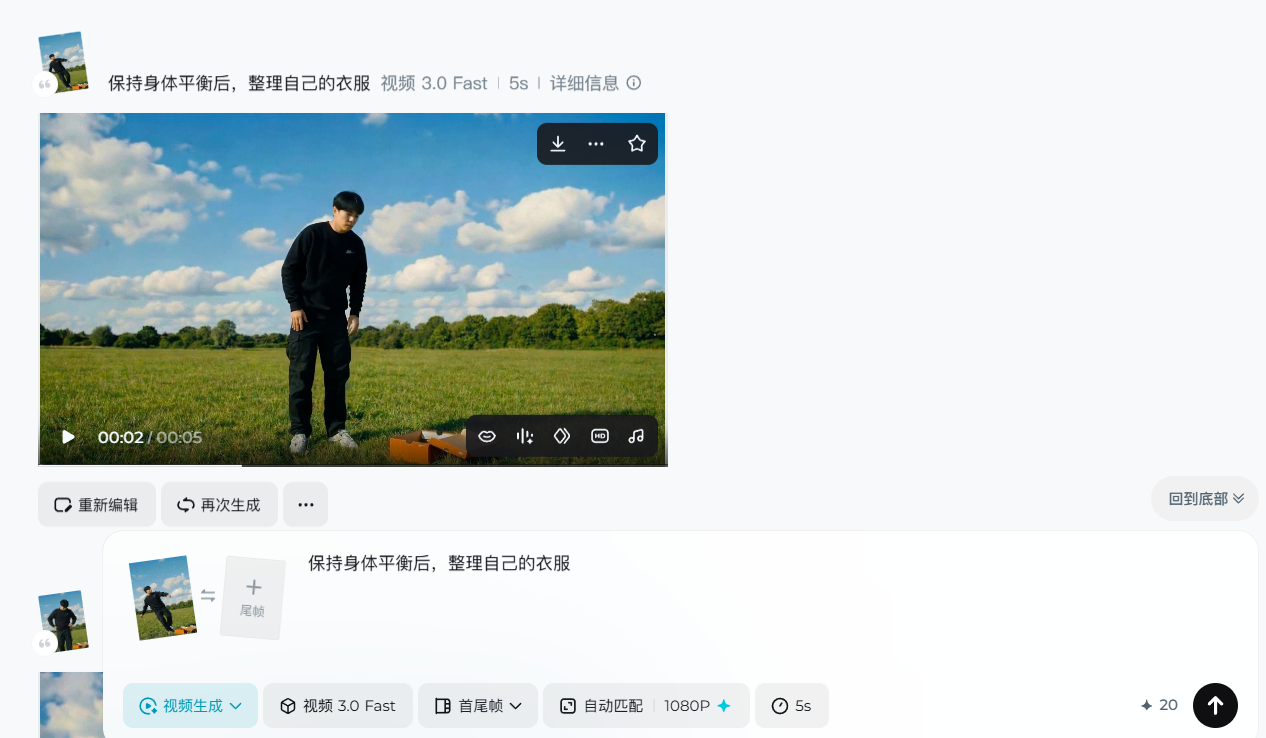
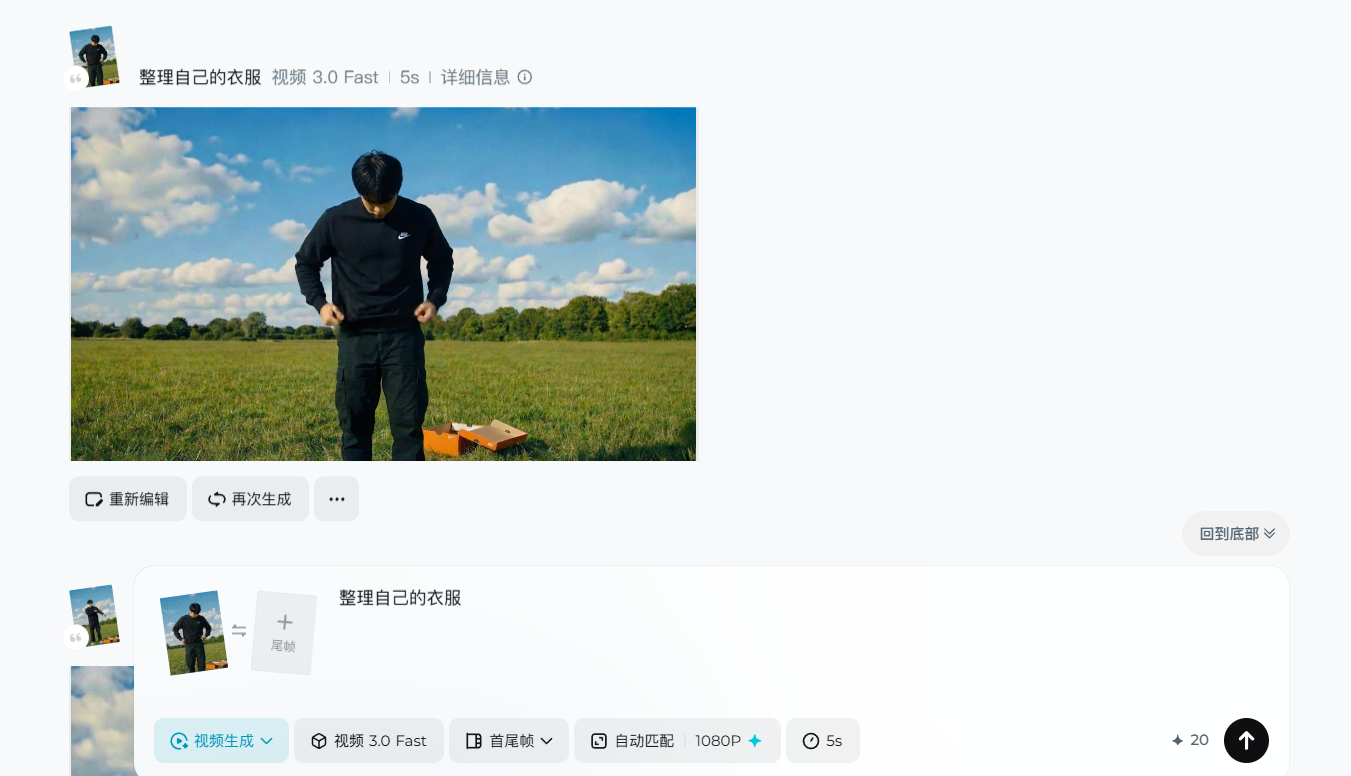
图8、9、10提示词:
整理自己的衣服
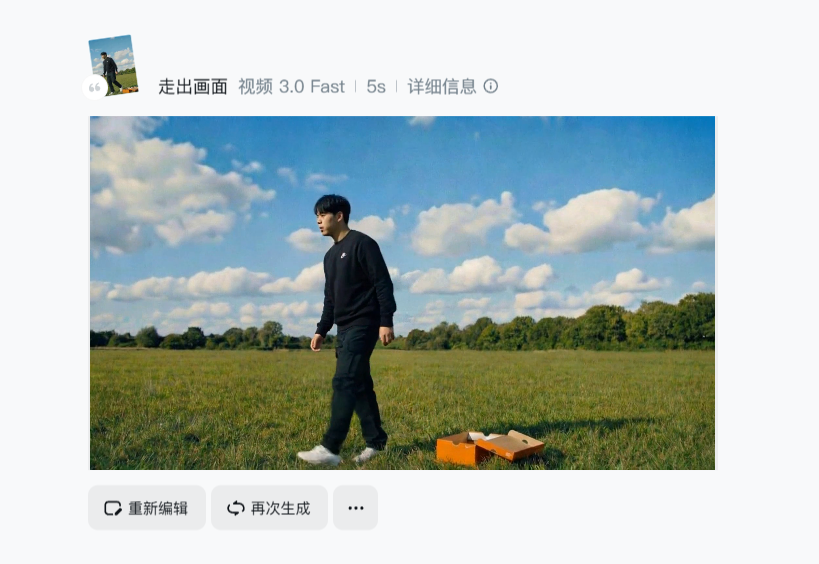
视频10(使用图11生成)即梦AI:
提示词:
走出画面
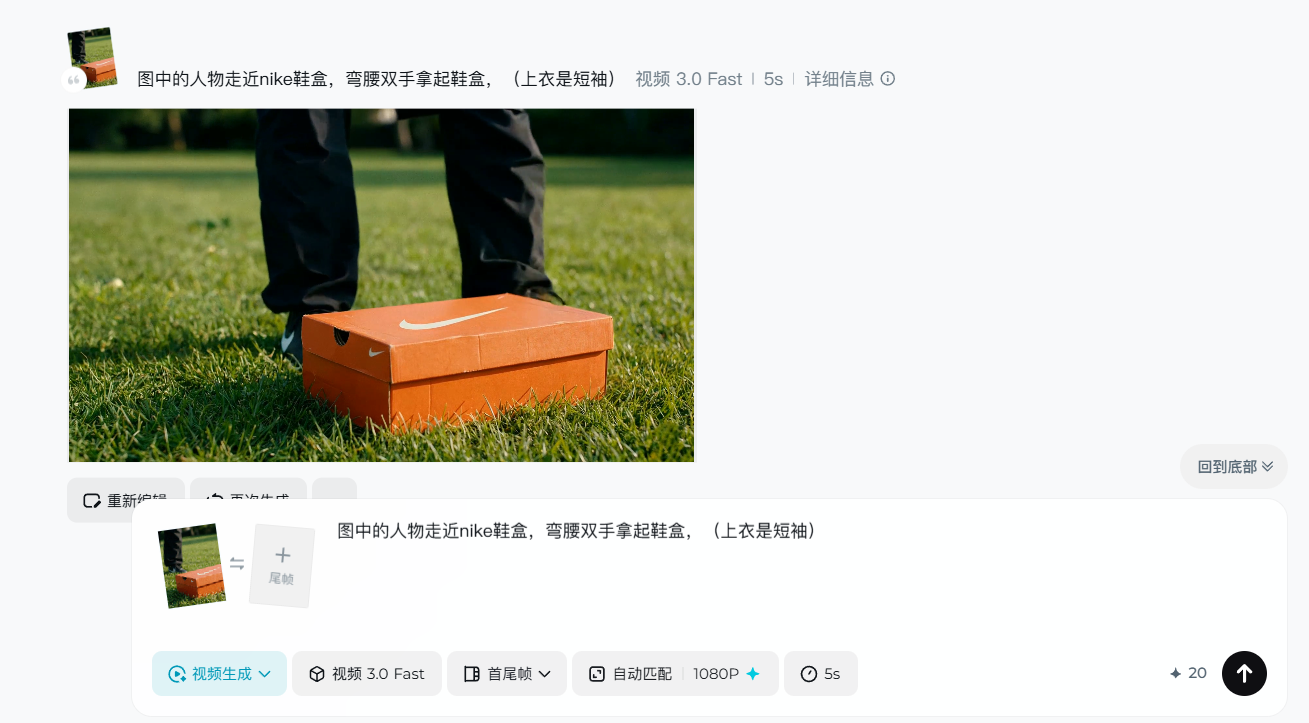
视频11(使用图12生成)即梦AI:
图7提示词:
图中的人物走近nike鞋盒,弯腰双手拿起鞋盒,(上衣是短袖)
第三步: 剪映注入灵魂 (重点!)
光有画面刚刚半成品,梦核的全感觉靠剪映里的这几招:
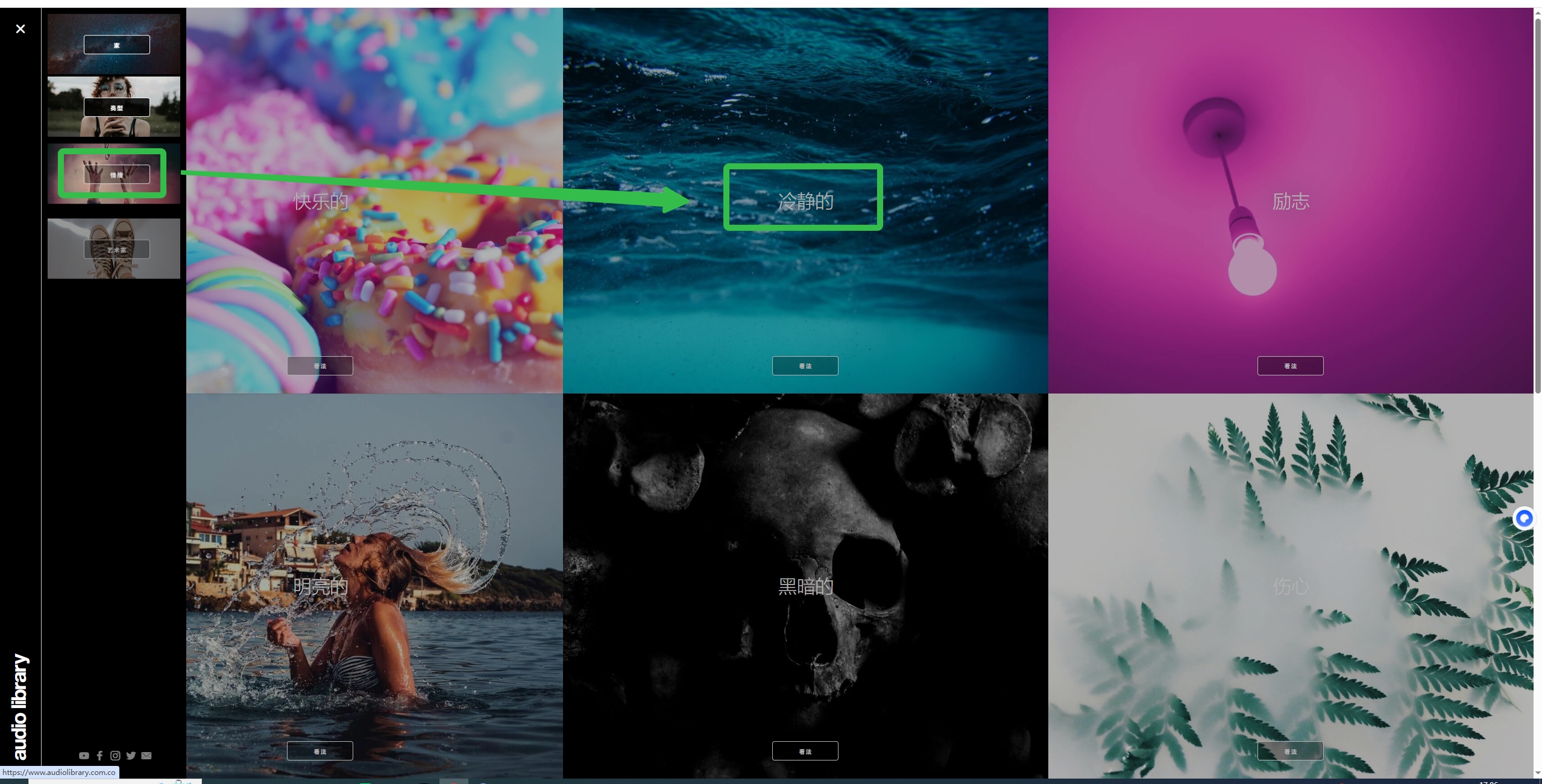
BGM(我推荐这个免费的bgm网站):
https://www.audiolibrary.com.co/genres/ambient?page=2
选择这个情绪风格的音乐
画面
按照顺序拼接即可
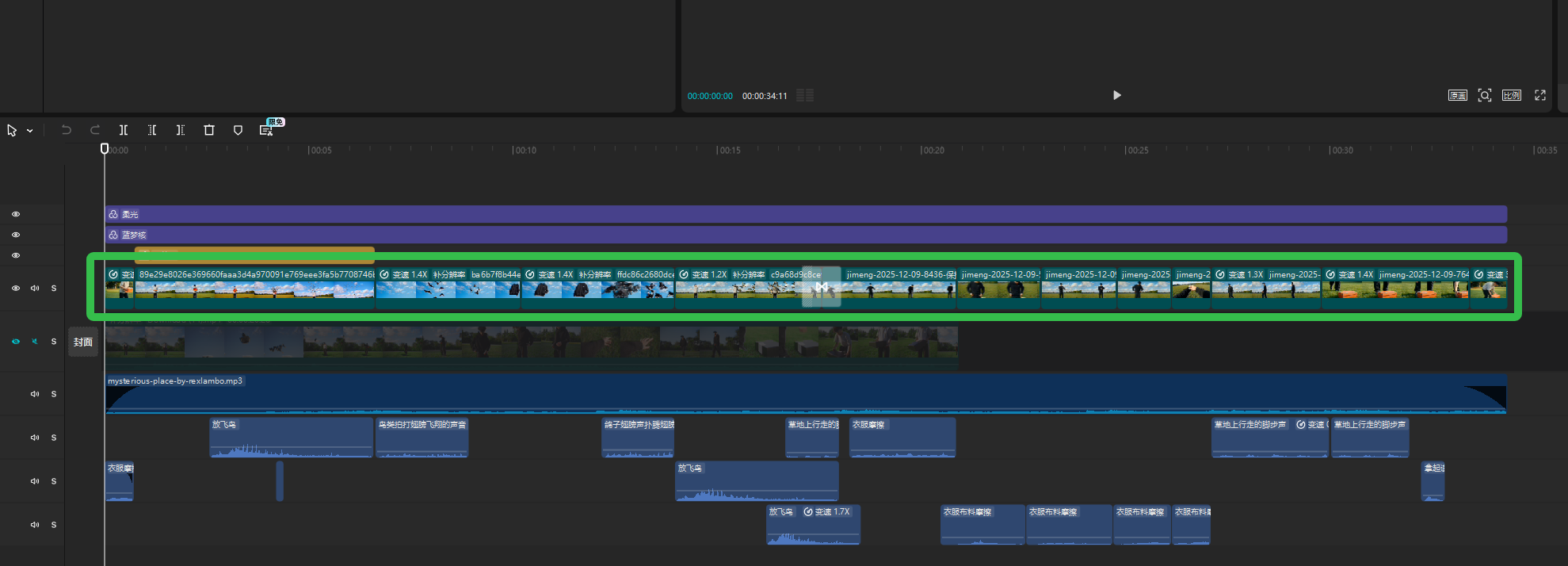
音效:
在音效库里寻找合适的音效
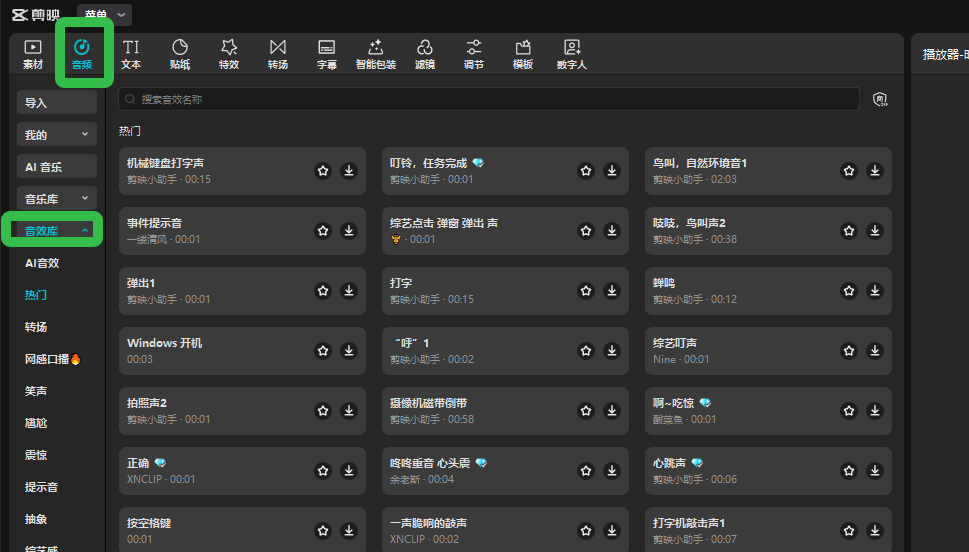
例如“放飞鸟”,“衣服摩擦”,“草地行走”等各种音效

滤镜
梦核的关键质感!!
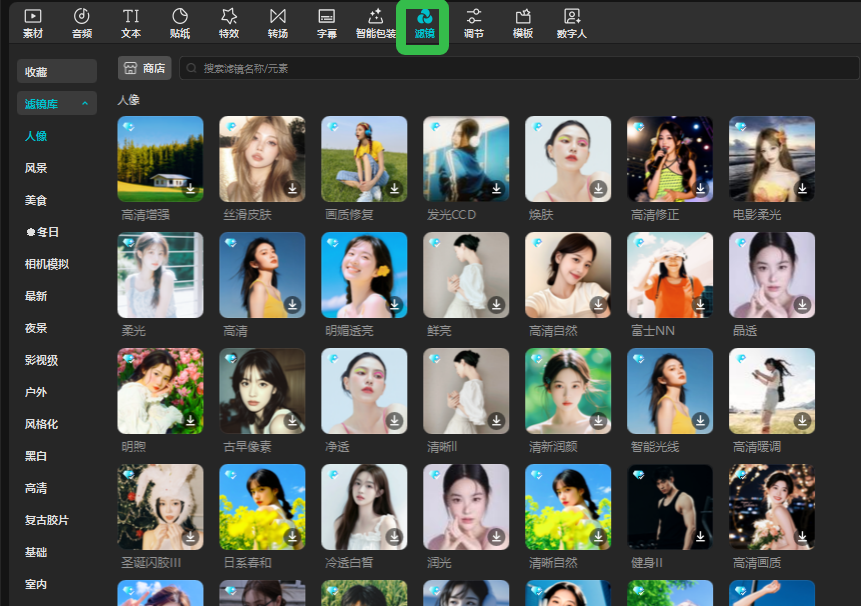
搜索“柔光”“蓝梦核”拖到轨道上
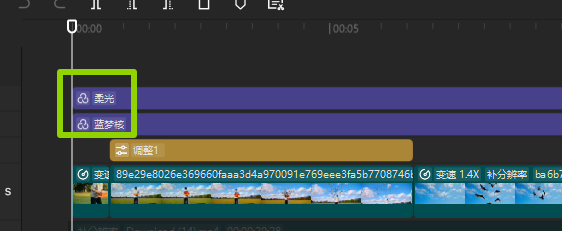
最后导出即可
视频生成执行卡
把这节课压缩成一张可执行卡片:看重点、照步骤、避坑,再复制模板直接开做。
这节课不是先追求炫技成片,而是围绕「Nike看了都想打钱?揭秘我的AI梦核视频」先把主体、动作、镜头和节奏稳住。
按原文节奏走最稳:先吃透「思维导图」,再把「用到的神仙工具组合:」定住,接着处理「第一步: 像导演一样去“造图”」;最后用「第二步: 施展“变形魔法” (Vidu2/海螺/通义万相/即梦)」收口。
- 先把「思维导图」里的主体和动作定死。
- 这一段重点看镜头和节奏,别急着炫技。
- 做完「第一步: 像导演一样去“造图”」后,先查连贯性和穿帮。
- 先把「第二步: 施展“变形魔法” (Vidu2/海螺/通义万相/即梦)」里的主体和动作定死。
不要一上来就生成最终片;先拆镜头、定主体和运动,再逐段生成,否则容易跳轴、穿帮、节奏混乱。
检查主体是否稳定;镜头运动是否明确;前后画面是否连贯;节奏是否服务主题;是否有明显变形或穿帮。
请围绕「Nike看了都想打钱?揭秘我的AI梦核视频」帮我做一个可直接执行的方案。
我的目标是:【填写你的具体目标】
我的素材/产品/角色信息是:【填写已有素材和限制】

请输出:核心创意、分镜表、每个镜头的画面描述、视频生成提示词、剪辑顺序和成片自检清单。要求主体稳定、动作明确、镜头连贯。